
Why You Shouldn’t Run Smartphone Navigation for Too Long During Long Road Trips
Smartphone navigation apps make travel easier, but running them for hours during long drives can quietly put serious strain on your device.
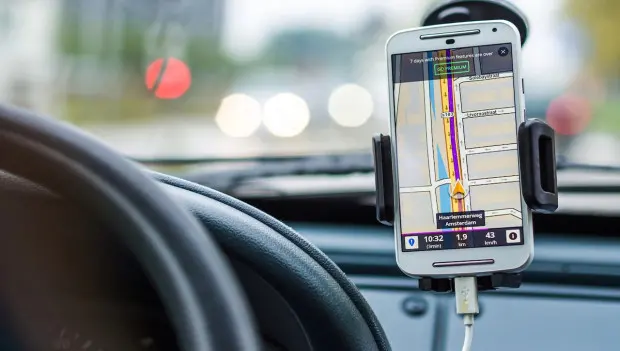
Maps and navigation apps on smartphones have made road trips much easier. All you have to do is open the app, type in your destination, and the phone instantly builds a route. Even in an unfamiliar city, it helps drivers find their way around quickly. But if navigation runs non-stop for a long time, it can place extra strain on the device.
When navigation is active, the smartphone uses several systems at once. GPS runs continuously, the processor handles location and route data, and the internet connection loads map information and traffic updates. As a result, the phone is working harder than usual and the battery drains much faster.
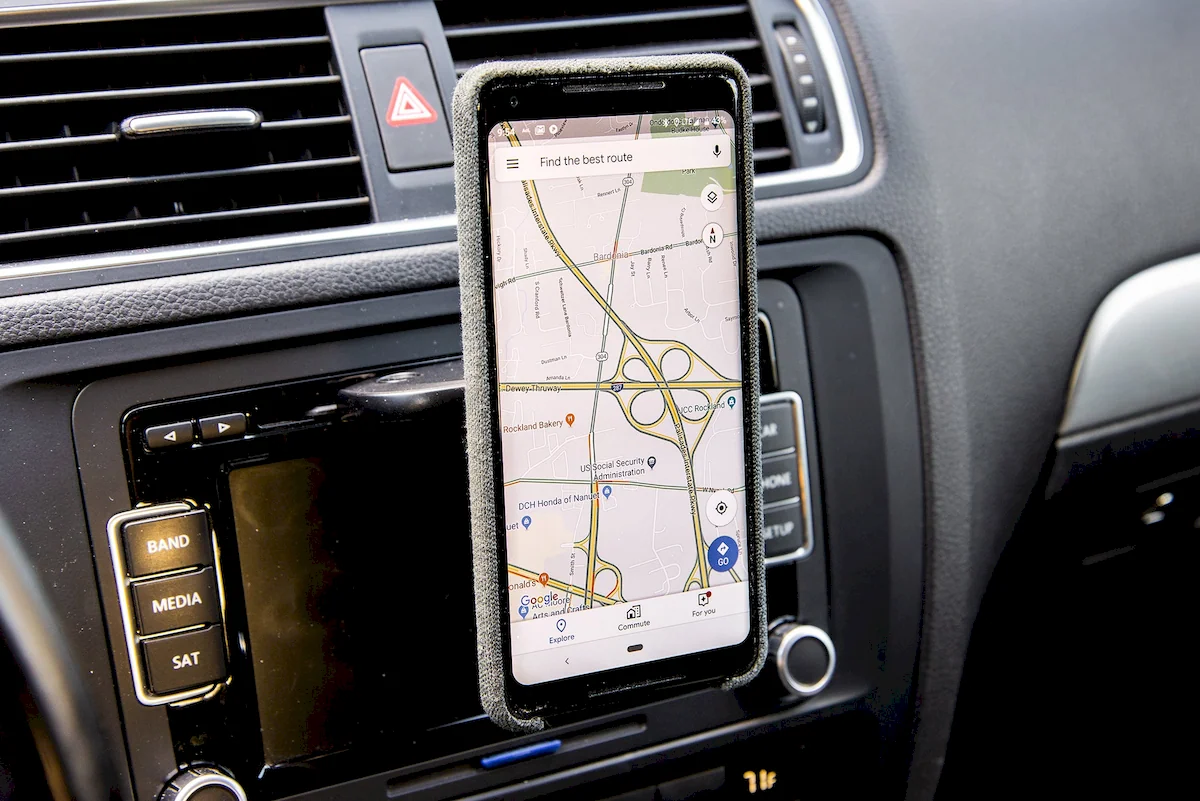
According to the website Auto30.com, during long drives the phone can heat up noticeably. When temperatures climb too high, many devices automatically slow down their performance to cool off. In rare cases, prolonged overheating may even affect internal components.
This happens even faster during the summer—especially if the phone is mounted near the windshield. Direct sunlight warms the device’s casing, while the navigation app continues running in the background, adding even more heat.
The screen is another factor to keep in mind. While navigation is active, the display stays on the entire time. To make the map easier to see, drivers often keep brightness set high. If the phone stays in this mode for long periods on a regular basis, faint traces of interface elements can sometimes remain visible on the screen.
You might notice the outline of buttons or parts of the map even after switching apps. This effect is known as screen burn-in, and over time it can become distracting during normal smartphone use.
Battery drain is another issue. Navigation apps constantly access GPS to track the phone’s exact position and update the route. The device repeatedly checks coordinates and downloads map data, which requires more energy than typical smartphone tasks. Charging the phone through the car’s power outlet helps prevent shutdowns, but constant charging can accelerate battery wear over time.
Navigation software also runs continuously in the background—monitoring movement, adjusting the route, and refreshing the map. This keeps both the processor and RAM busy handling a steady stream of data. If the app runs for many hours, the smartphone may start responding more slowly. Apps might take longer to open, and the overall system can feel less responsive.
That slowdown usually happens because most of the device’s resources are tied up handling navigation while you’re on the road.
You may also be interested in the news:

Why Experienced Drivers Put Socks on Their Car Mirrors in Fall: The Clever Trick Explained
An old pair of socks can help reduce frost buildup on your side mirrors overnight, saving time on cold mornings when every minute counts.
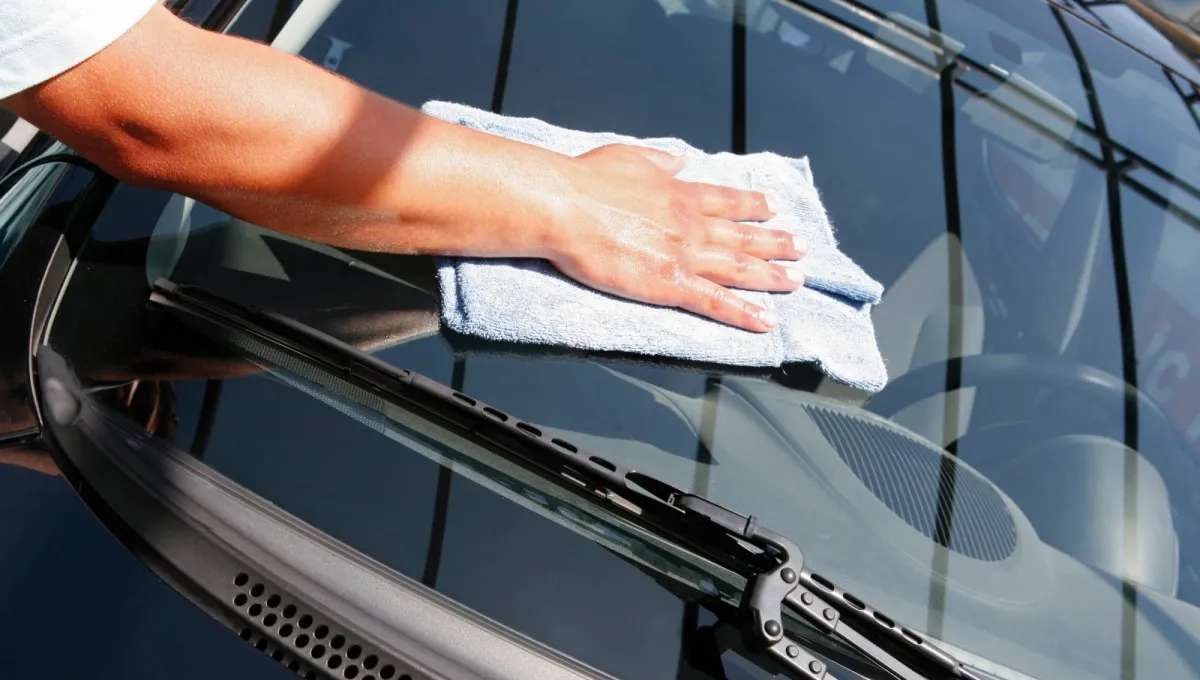
How to Clean Your Windshield Without Streaks: Experts Recommend This Simple DIY Mix
The secret to a streak-free windshield comes down to the right cleaning solution, two microfiber cloths, and the proper drying technique.

Why Some Drivers Keep Bay Leaves in Their Cars — It’s Not Just About Superstition
Can a common kitchen spice help repel bugs, freshen your car’s interior, or even help you relax behind the wheel?
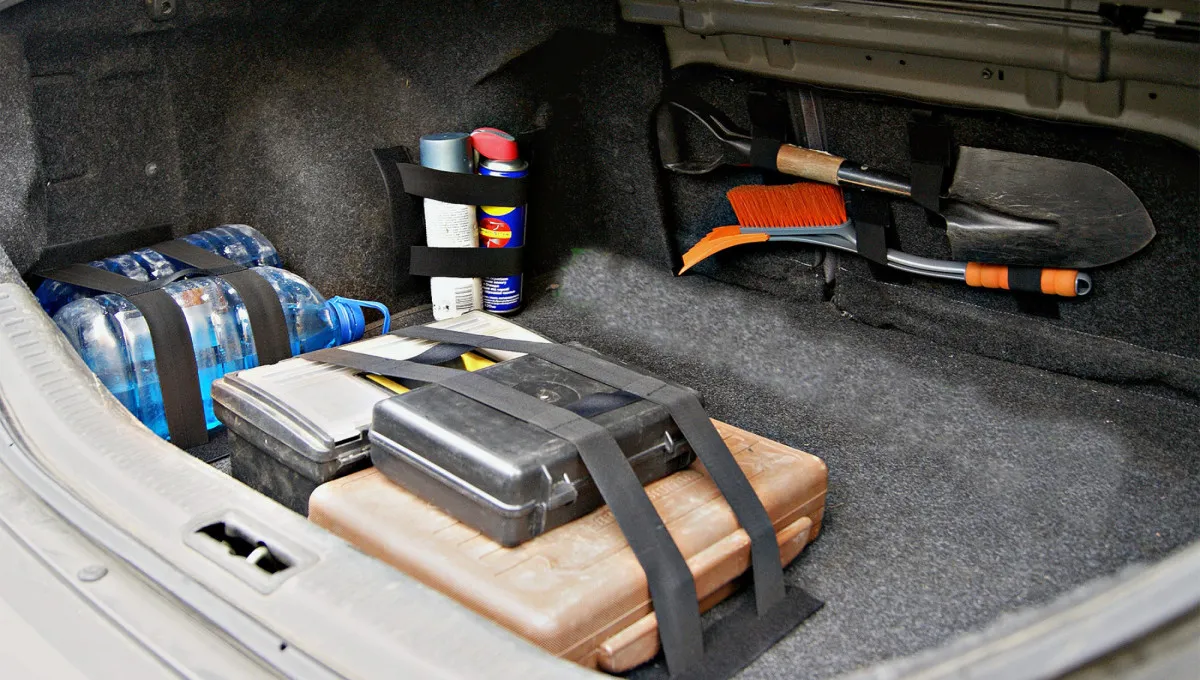
Cold Weather Can Leave You Stranded — 5 Things Every Driver Should Have in Their Car
The first hard freeze can catch drivers off guard. Here's what to keep in your vehicle and how to prepare your battery, tires, and fluids for colder weather.

Harley-Davidson Riders Could Face $2,500 Fines Under New Law Targeting ‘Weaving’ on Roads
Arizona’s new motorcycle law targets lane splitting, exposing repeat offenders to steep fines, possible jail time, and license suspensions.