
What Are Those Mysterious Buttons on Your Car Stereo For? Many Drivers Don’t Even Use Them
Most people drive, listen to the radio, and have no idea what some buttons and functions actually do.
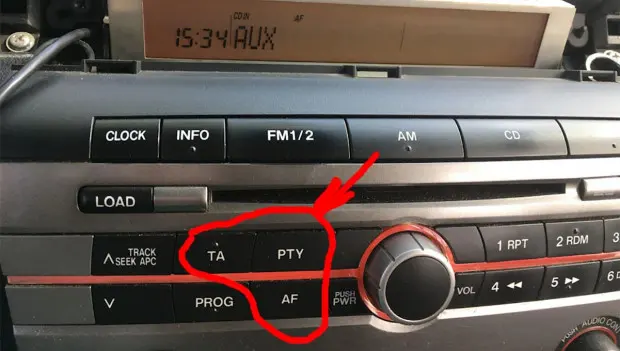
Most people drive, listen to the radio, and have no clue what some buttons and functions are for. Here’s a quick explanation.
The three most common and often misunderstood buttons are PTY, TA, and AF. These buttons existed on old cassette stereos, CD players, and today’s modern systems without discs. Even the latest touch-screen models with Bluetooth and other advanced features include them.
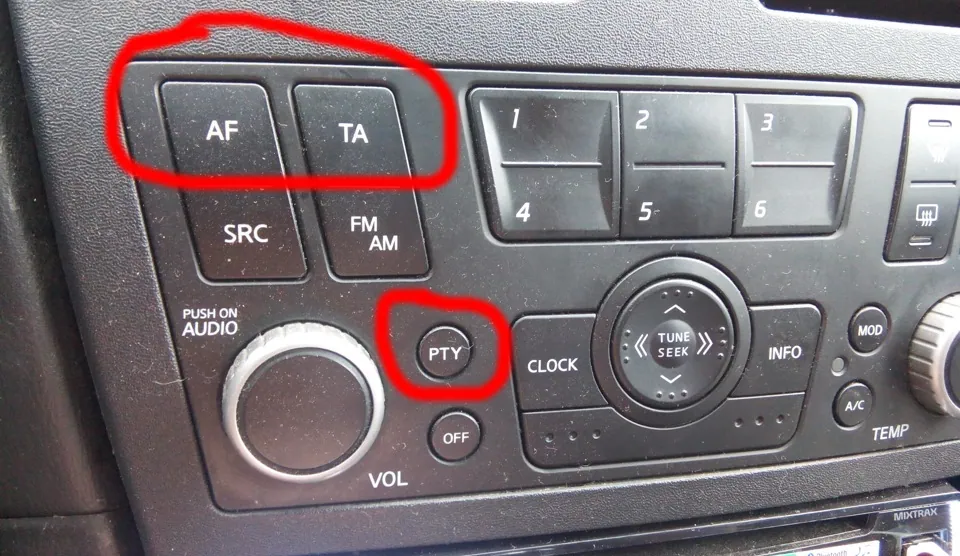
Often, these functions have dedicated buttons on factory or aftermarket stereos, while in some cases, you have to access the service menu of the multimedia system to activate them (to avoid cluttering the panel with too many buttons).
PTY
This stands for Program Type. Radio stations broadcast in different categories: news, educational, comedy, or music (rock, pop, etc.). Pressing the PTY button will display the type of the current station or show “No PTY.”
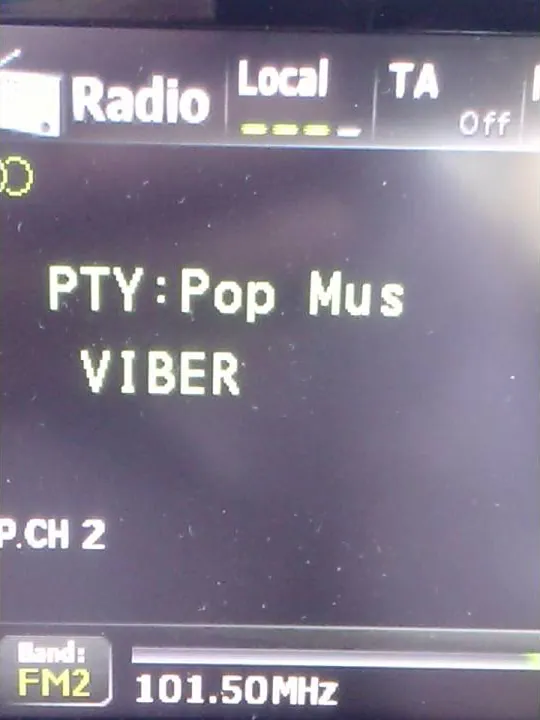
Activating PTY (the method varies—some systems just require a press, others require holding the button) lets you select a type of station, for example, news, so the radio will tune only to channels of that type. This is convenient, but not all stations transmit PTY codes, unfortunately.
TA
TA stands for Traffic Announcement. You’ve probably heard traffic updates on the radio—about jams, road closures, or construction. Activating TA makes the radio automatically switch to these traffic messages regardless of what you’re currently listening to (another station, a CD, or a USB drive). Once the announcement is over, your original station or media source resumes.
Sometimes pressing TA lets you hear the last traffic message. Today, this feature is less critical since most people rely on GPS navigation apps that show traffic in real time. However, some cars (notably Hondas) can use TA data in the built-in navigation to display traffic info without an internet connection. Accuracy isn’t perfect, but it’s better than nothing.
AF
AF is probably the most mysterious button. Have you ever pressed it? AF stands for Alternative Frequencies. When enabled, the radio automatically switches to the strongest signal broadcasting your selected program.
For example, if you’re driving from Los Angeles to San Francisco listening to WOTOP or KIIS-FM, at some point a stronger signal may come from Santa Cruz instead of Los Angeles. The radio detects this and switches automatically, so you keep listening uninterrupted—but now on a different frequency.
With weak signals, the radio may switch from the local broadcast to the nearest available frequency. And sometimes, due to reception issues, it may not find any suitable station at all.
You may also be interested in the news:

7 Cars That Should Have Been Legends — But One Big Flaw Held Them Back
Some cars had the styling, performance and character to become icons, but one glaring weakness kept them just short of legendary status.

Your Steering Wheel Starts Shaking at 60 MPH? Don’t Ignore These Warning Signs
A vibrating steering wheel is often most noticeable at highway speeds, but the cause isn’t always immediately obvious.
Windshield Wipers Aren’t Cleaning Properly? Here’s What Could Be Wrong
Why do windshield wipers sometimes fail to do their job?
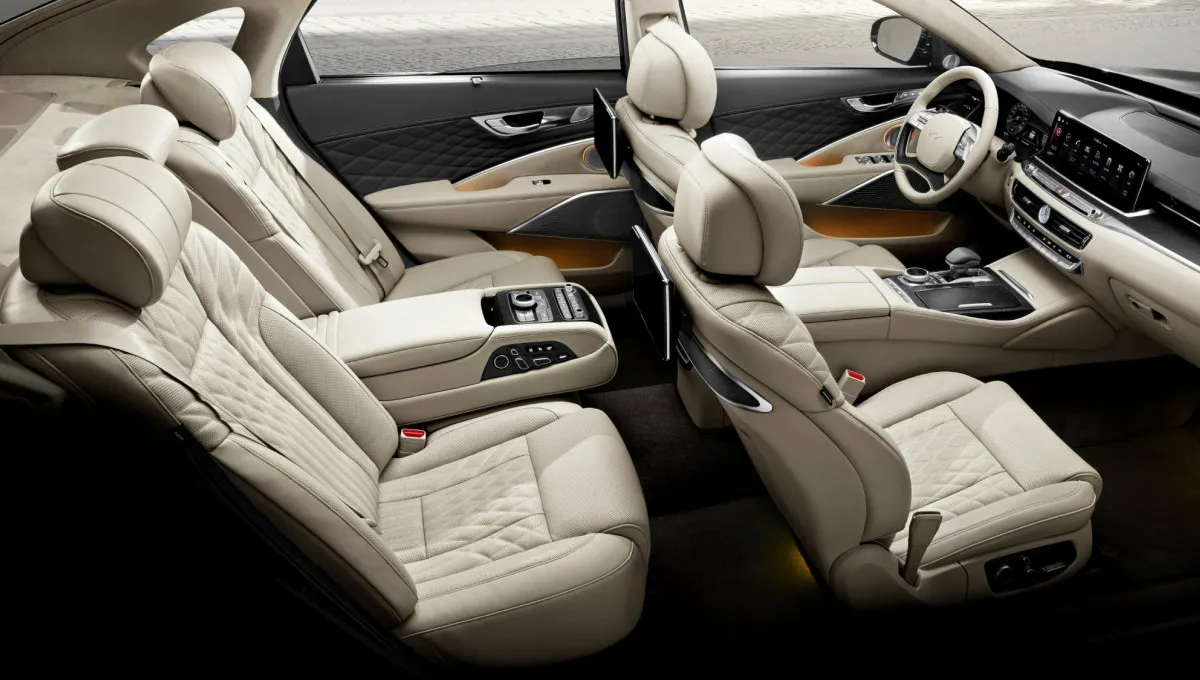
Best Sedans for Interior Space: The Roomiest Cars of 2026
These six sedans offer generous legroom and shoulder room, giving families a comfortable alternative to larger SUVs for long trips.

Best Cars for Teen Drivers: Affordable and Safe Picks
These affordable used and new vehicles combine strong safety ratings, reliability, and reasonable prices for young drivers and their families.