
Don’t Rush to Update Google Maps If You Rely on Android Auto — A Major Bug Is Frustrating Drivers
Android Auto drivers across the U.S. are reporting a strange Google Maps glitch that makes their car icon suddenly disappear mid-navigation.
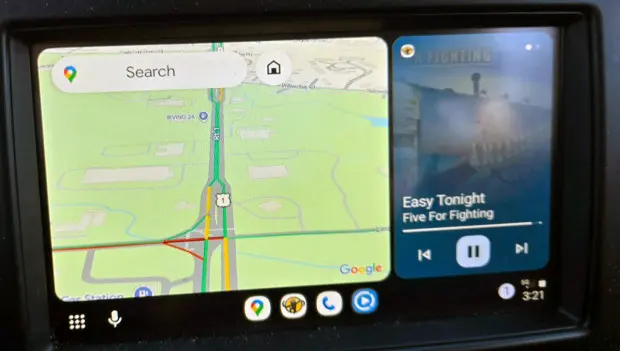
It’s not just happening to you — and no, your setup isn’t broken. If your vehicle icon vanished in Google Maps while using Android Auto, the usual troubleshooting steps won’t help much.
Right now, there’s only one basic workaround, and even that solution doesn’t always last.
Google Maps recently began hiding the vehicle icon on Android Auto for many users. Most point to a recent Google Play update, though reports suggest several versions may be affected.
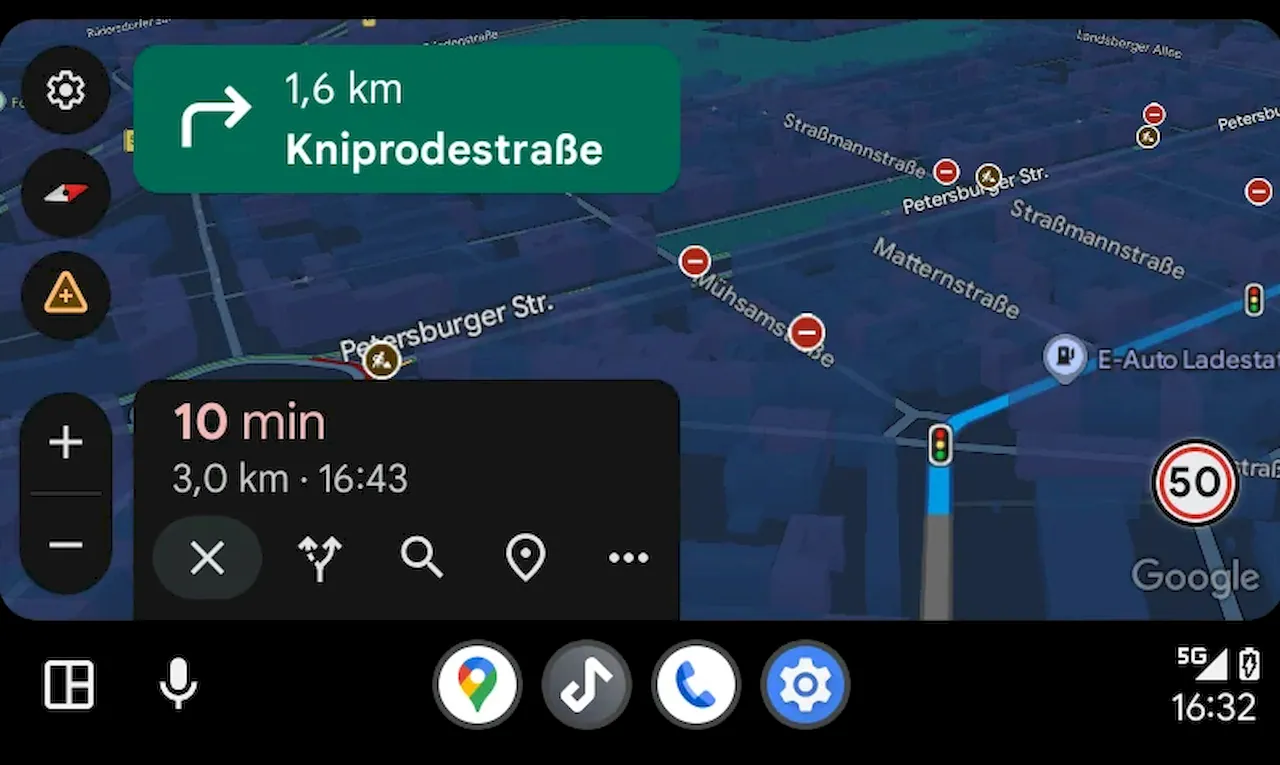
A Reddit thread suggests version 16.1 may have introduced the bug, but commenters say they’ve seen the same issue on versions 15.9 and 16.0 as well.
Unfortunately, the newest release available on the Play Store still hasn’t fixed the problem.
Based on user feedback, the glitch typically shows up after switching back to Google Maps from another full-screen app in Android Auto. For instance, if you open Spotify or YouTube Music to pick a track, then return to Maps or the Coolwalk split-screen layout, the car icon often disappears.
Drivers also note that opening Google Maps immediately after connecting their phone to the car usually avoids the issue. In those cases, navigation works normally and the icon stays visible.
So far, the only reliable way to bring the icon back is to force-close Google Maps from your phone while Android Auto is running. Once you reopen Maps, Android Auto reloads it — and the vehicle icon typically returns.
Interestingly, this bug appears to affect only users who selected a custom vehicle icon. Anyone sticking with the default blue arrow doesn’t seem to experience the problem.
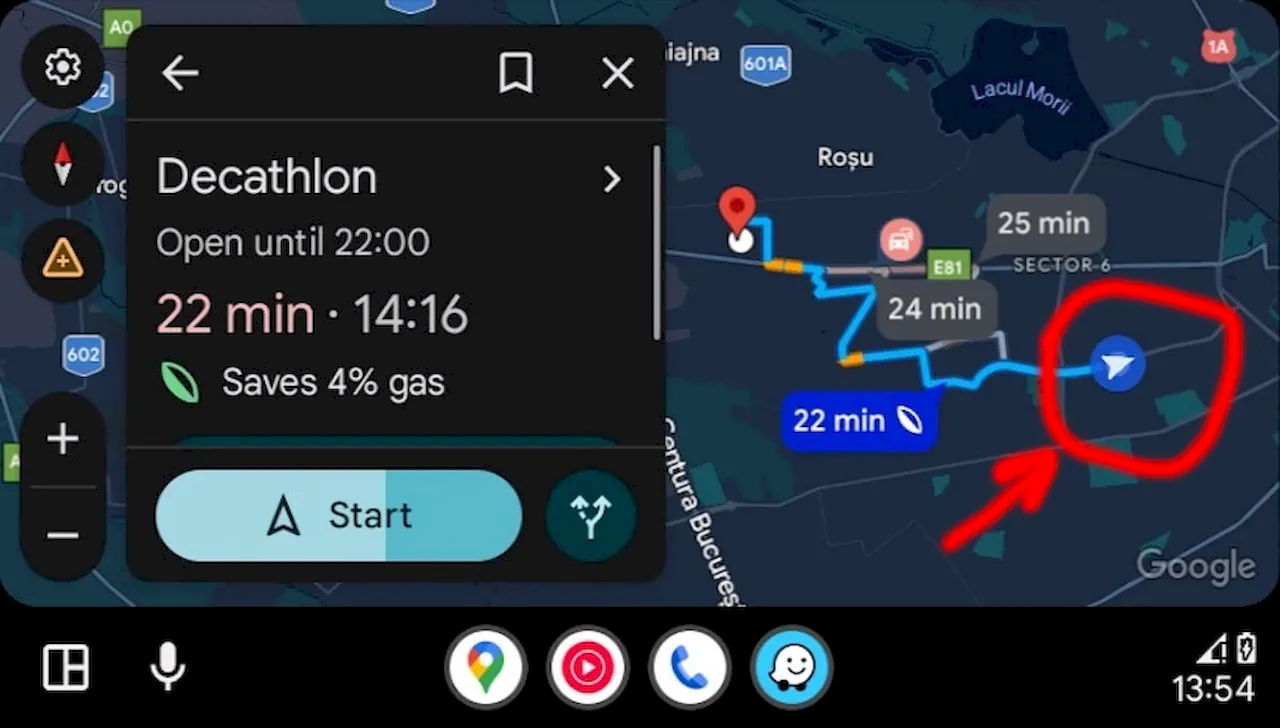
Navigation still works without the icon, but it feels awkward, especially when it’s harder to tell exactly where you are on the map.
This isn’t the first time Android Auto users have faced something like this. A similar issue popped up last year and was quietly resolved in a later update. However, today’s bug seems far more widespread, so Google will hopefully roll out a fix soon.
Until then, your best options are force-restarting Google Maps or switching back to the standard blue arrow in settings. After reopening Maps on Android Auto, the glitch usually stops appearing.
You may also be interested in the news:
Your Brakes Squeal Every Morning? Here’s When That Noise Is Normal—and When It Could Mean Trouble
That sharp brake squeal first thing in the morning is often harmless—but persistent noise can point to worn or damaged brake components.
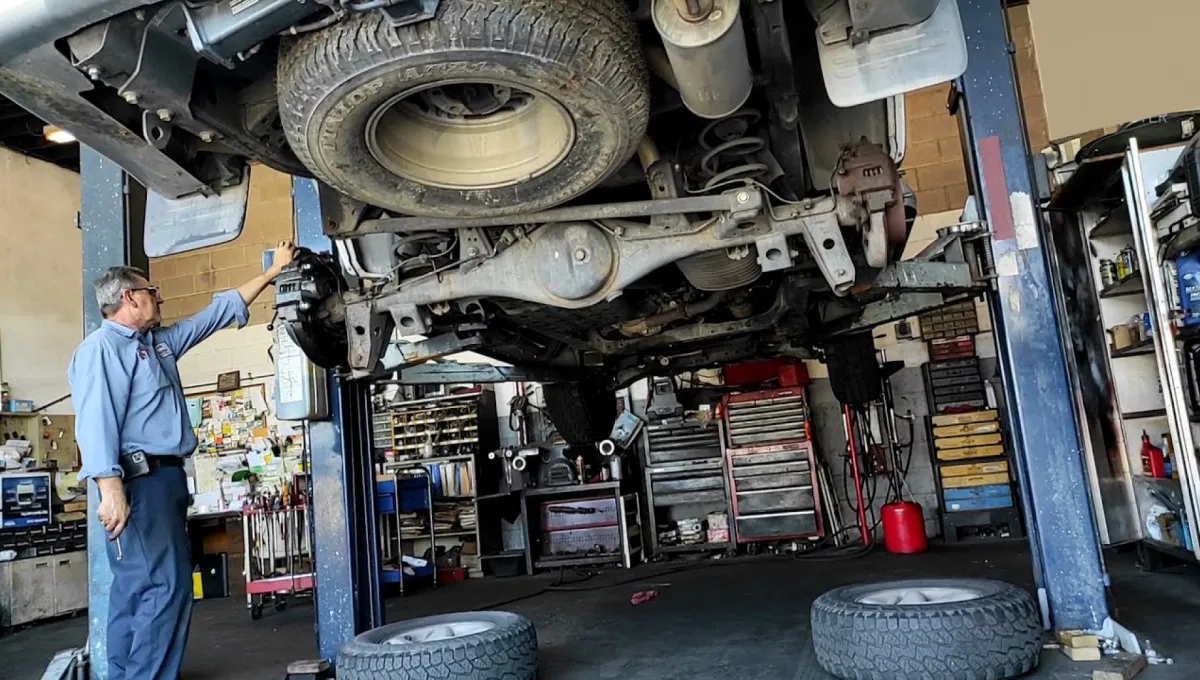
7 Car Repairs Mechanics Secretly Hate Taking on — Here’s Why Shops Say “No”
A mechanic explains why some seemingly routine repairs can become expensive nightmares for both shops and car owners.
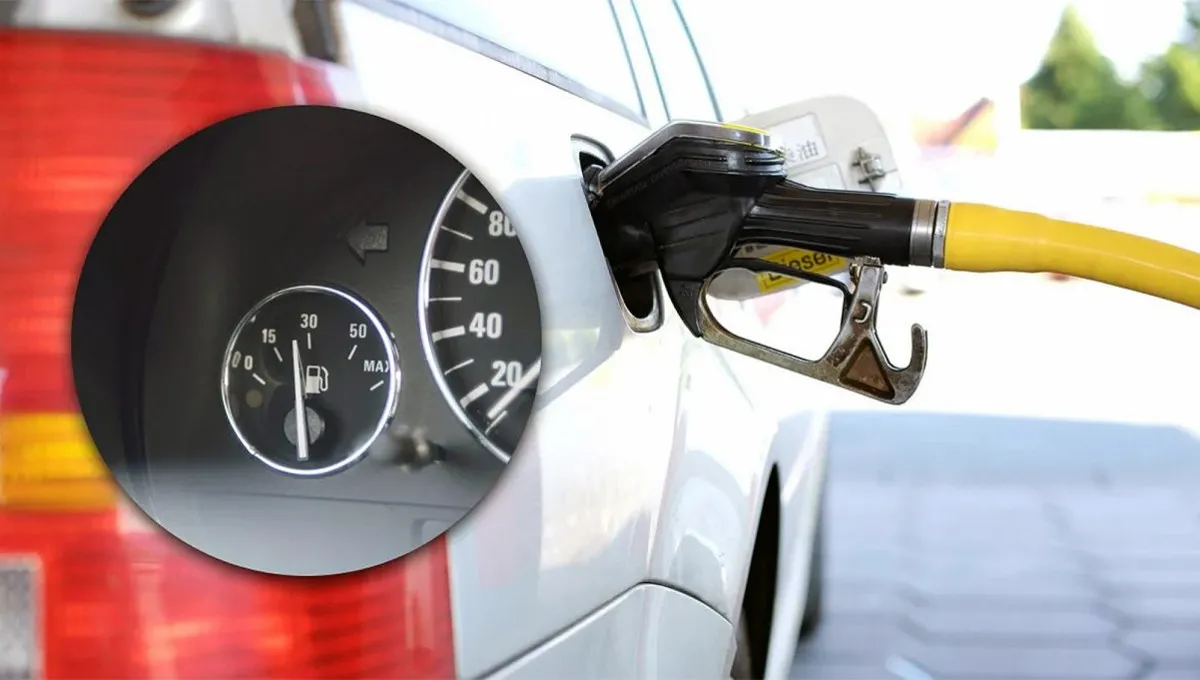
Your Car May Be Burning More Gas This Fall — Here’s the Surprising Reason Why
Colder temperatures, longer warm-up times and denser air can all cause your car to use more fuel in the fall.

The “Gas-Saving” Tricks That Could Destroy Your Car — And What Drivers Should Do Instead
Some fuel-saving tricks can backfire, costing drivers far more in repairs than they ever save at the gas pump.

Your Car Can Hear You: Four Zodiac Signs That Talk to Their Cars
Aries, Taurus, Leo and Scorpio don't just drive—they talk to their cars, each with their own language, rituals and demands.