
Beyond Mileage: Hidden Diagnostic Uses for Your Car's Trip Odometer Button
Why every driver should know about this “hidden” button in their car.
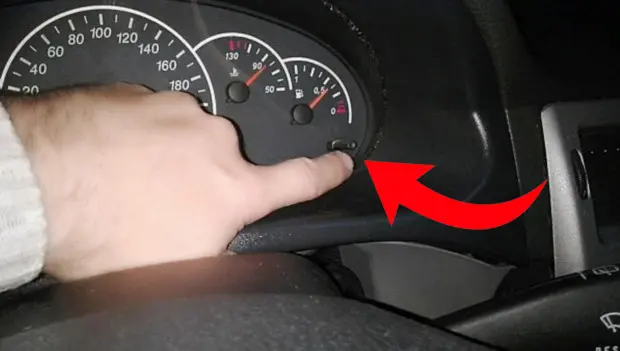
When drivers buy a used vehicle, it’s often the case that important and useful details go unnoticed—features that aren’t always easy to discover on your own.
There are several ways to learn about them, and one example is a simple function built into the instrument panel that many cars are equipped with. Not everyone is aware of what it can actually do.
In many modern vehicles, there’s a handy feature that helps estimate fuel consumption needed to reach your destination. However, onboard electronics aren’t always perfectly accurate, so it’s a good idea to double-check things manually. Using this button, you can measure exactly how far your car has traveled.
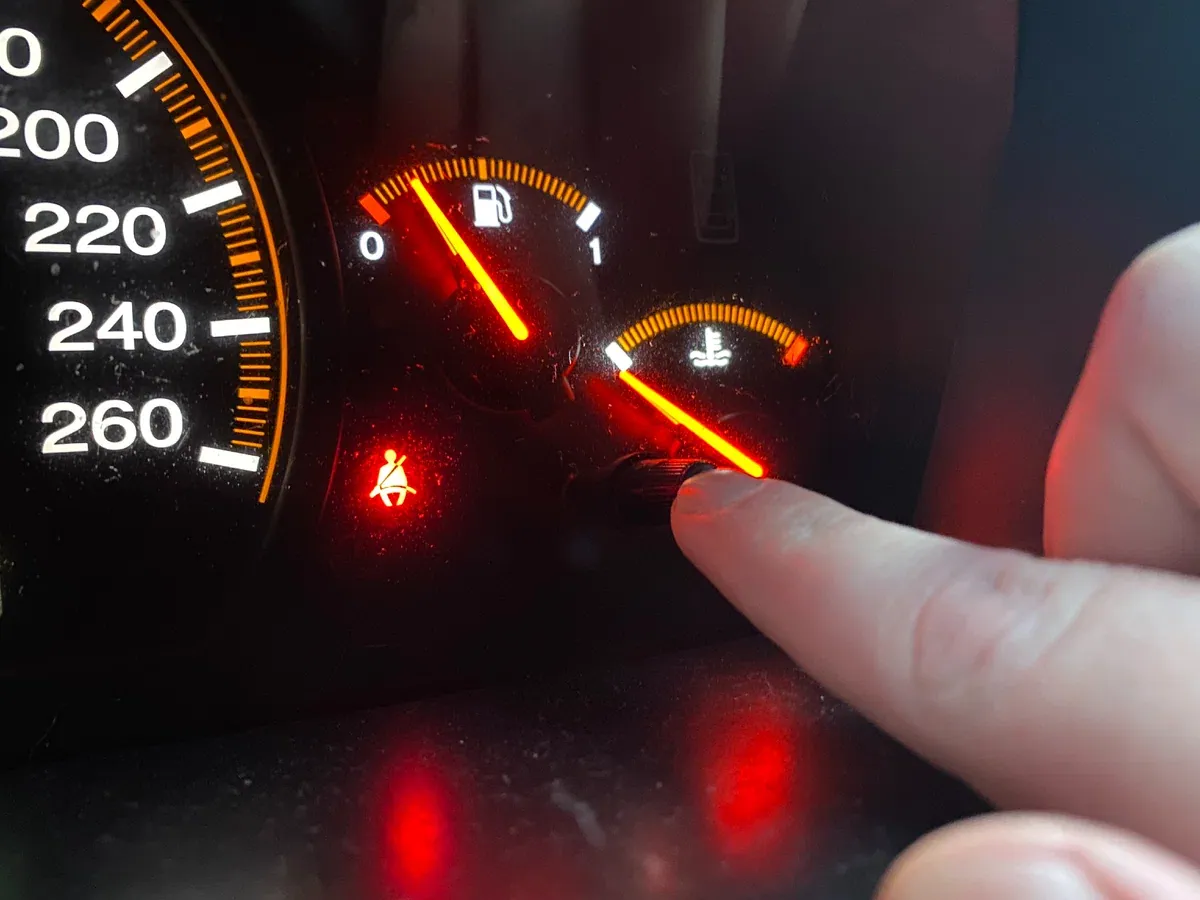
In addition, this same button—used together with the instrument cluster controls—can help you determine whether a previous owner may have hidden something when buying a used car.
The trip odometer reset button can also be used for basic self-diagnostics. If you know the correct sequence, it allows you to illuminate all the warning lights on the instrument cluster and activate all the gauge needles. This makes it easy to spot burned-out indicator bulbs or malfunctioning displays. It’s especially useful when shopping on the used-car market, as it can quickly reveal issues a seller might be trying to hide.
On some models, this button can even be used to read fault codes from the vehicle’s control modules. For example, in certain cars you need to turn the ignition on while holding the button—without starting the engine. Pressing the button again will display error codes on the onboard computer. From there, all it takes is checking the owner’s manual to decode what the car is trying to tell you.
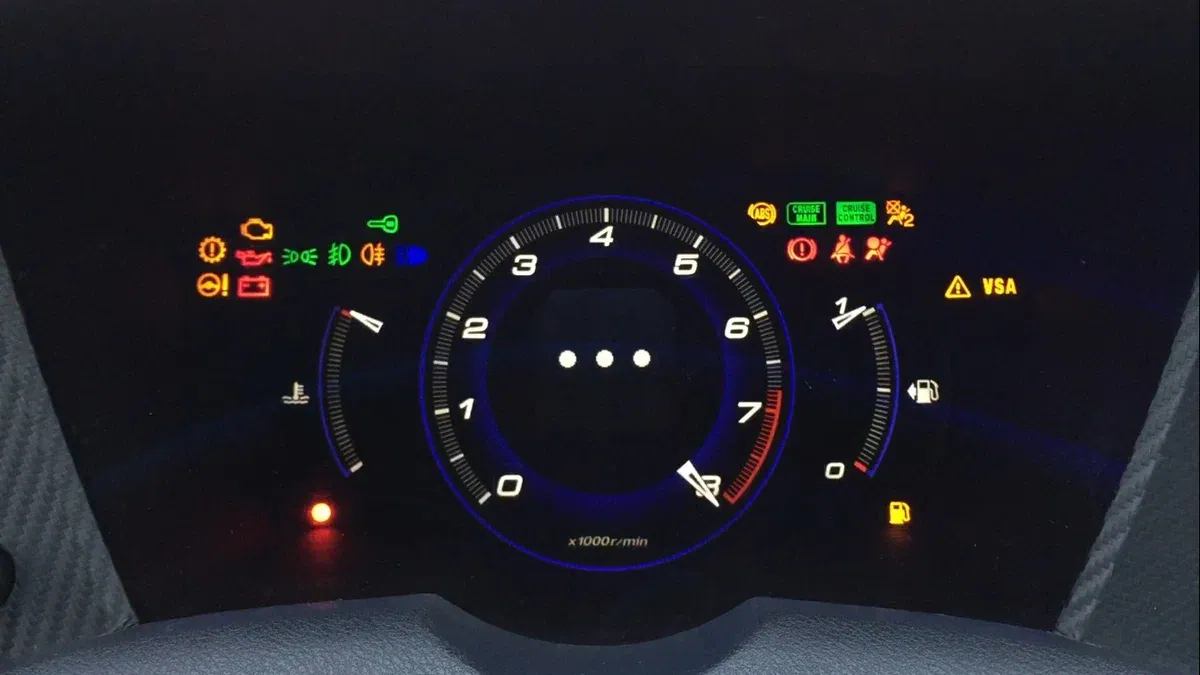
In some cases, the same button can also clear error codes. After reviewing them, you simply press and hold the button for a few seconds. That said, this button may serve different purposes depending on the vehicle, so it’s important to consult your owner’s manual to understand all of its functions.
Holding the button for anywhere from three to ten seconds may also grant access to onboard computer settings. From there, you can reset or adjust oil change reminders, configure door locking behavior, or even change the language displayed on the instrument panel.
The bottom line: read your car’s owner’s manual—it can reveal far more than you might expect.
You may also be interested in the news:
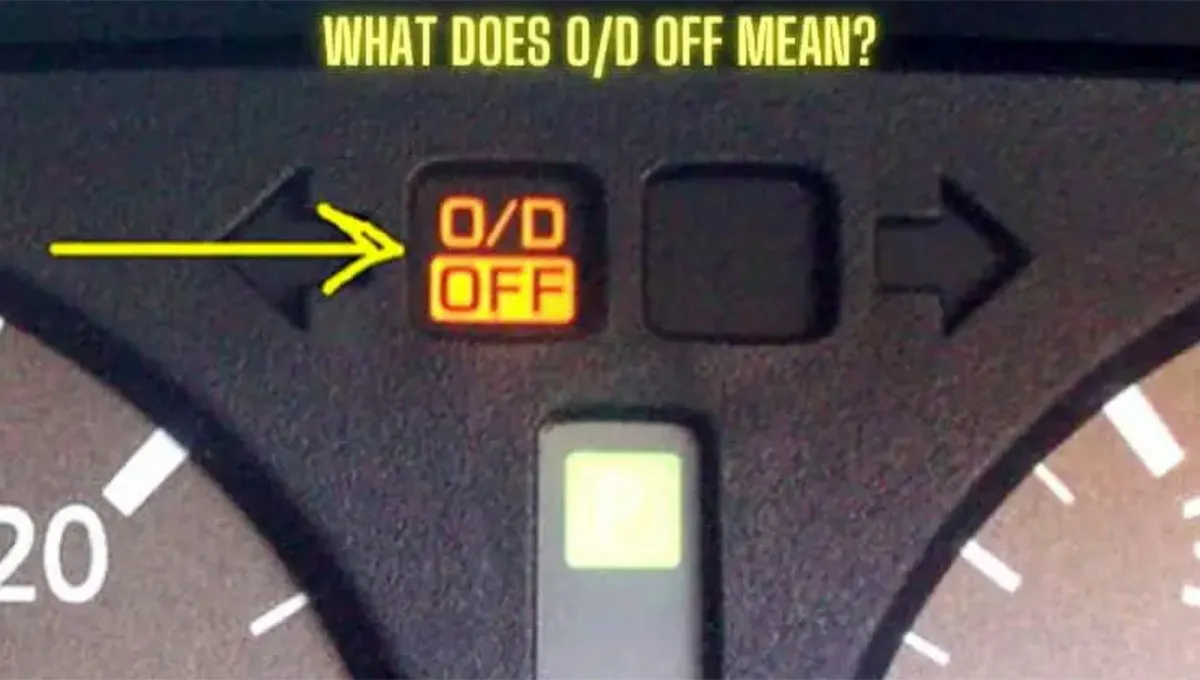
That O/D OFF Button in Your Car Has a Purpose—Here’s When You Actually Need to Press It
That mysterious O/D OFF button isn't a warning of transmission trouble—it can actually make driving easier in specific situations.
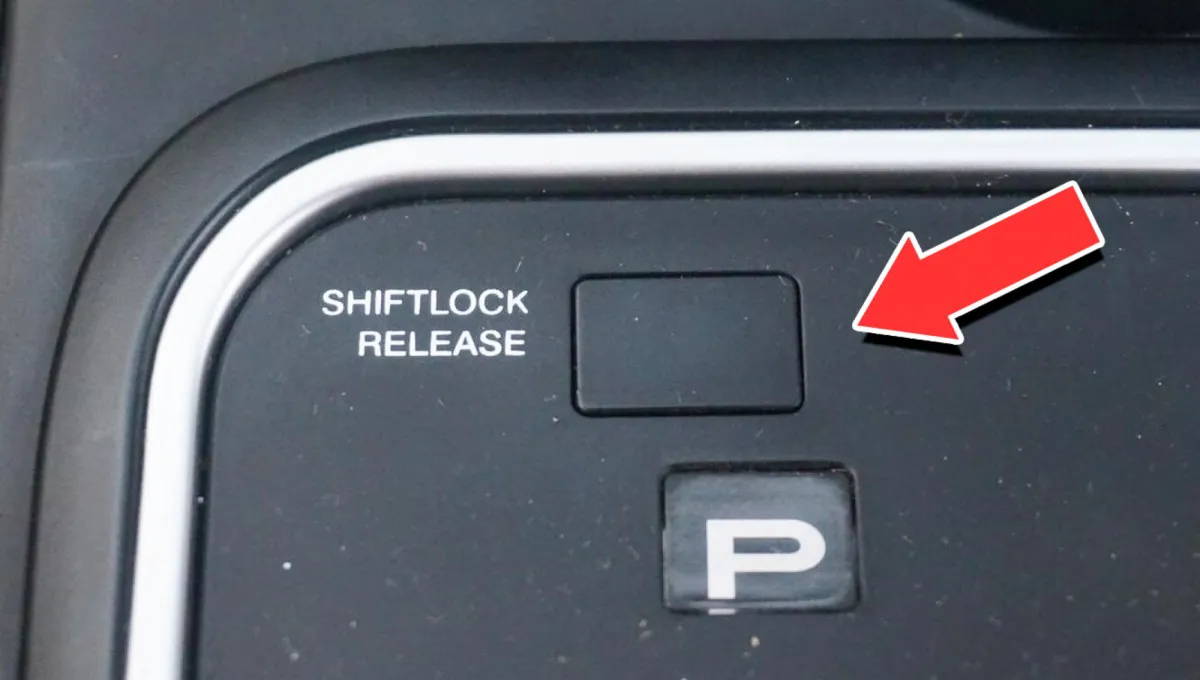
Shift Lock Explained: Why Your Automatic Shifter Won’t Move—and Why That’s Actually Good
If your automatic shifter suddenly refuses to move, there’s a good chance your car is protecting you from an accidental gear change.

Your Steering Wheel Starts Shaking at 60 MPH? Don’t Ignore These Warning Signs
A vibrating steering wheel is often most noticeable at highway speeds, but the cause isn’t always immediately obvious.
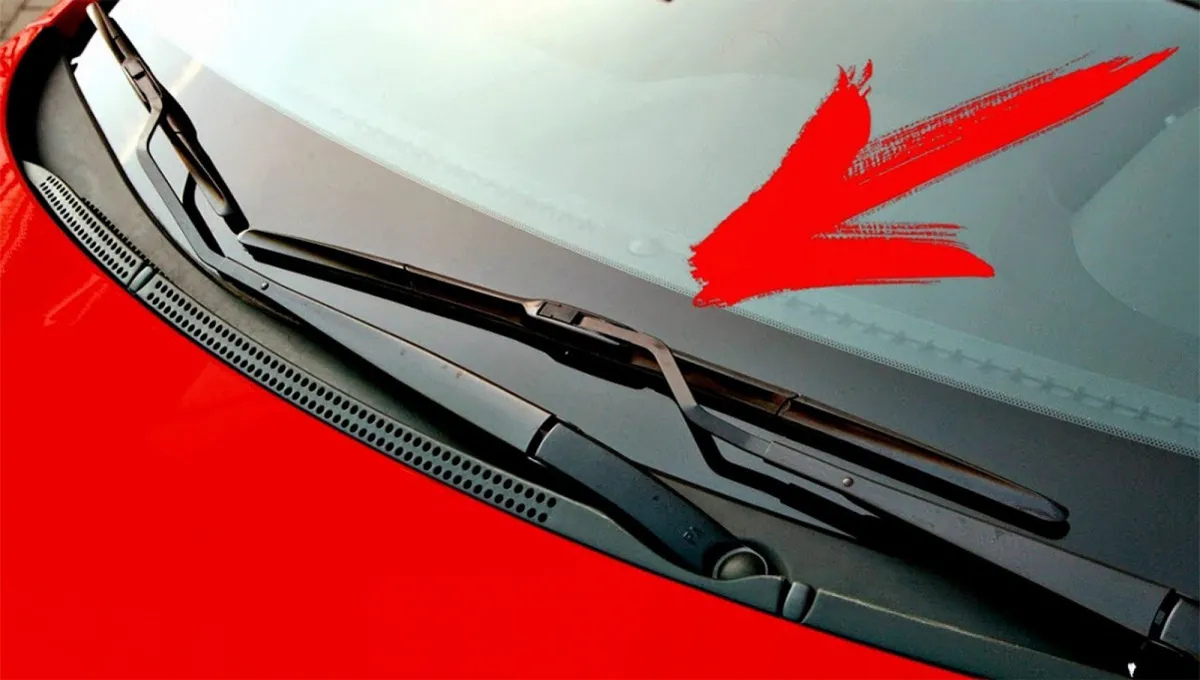
Windshield Wipers Aren’t Cleaning Properly? Here’s What Could Be Wrong
Why do windshield wipers sometimes fail to do their job?

Best Sedans for Interior Space: The Roomiest Cars of 2026
These six sedans offer generous legroom and shoulder room, giving families a comfortable alternative to larger SUVs for long trips.