
How the Trip Reset Button Can Reveal Hidden Car Problems — One Tiny Secret
Drivers usually press it to reset the trip meter, but it also reveals hidden faults.
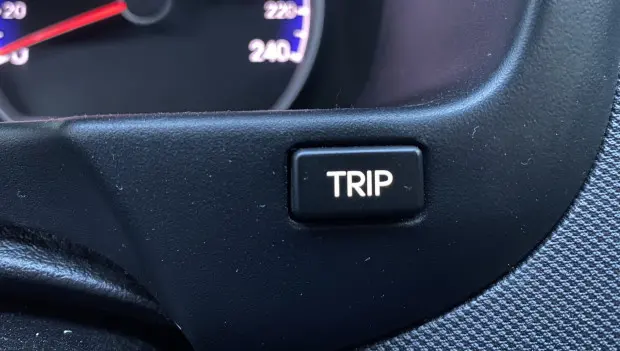
Many drivers regularly use the trip reset button on their dashboard. Most people press it to zero out the trip meter and check how far the car traveled on a single journey. However, as explained by auto30.com, this button has other functions that many drivers don’t know about.
The primary function is straightforward: it controls the secondary odometer — an additional mileage counter. When reset, the count starts from zero. This is useful for a variety of situations, like tracking a specific route or roughly calculating fuel consumption after a fill-up. It’s important to remember that this counter doesn’t reset automatically — the driver must do it manually.
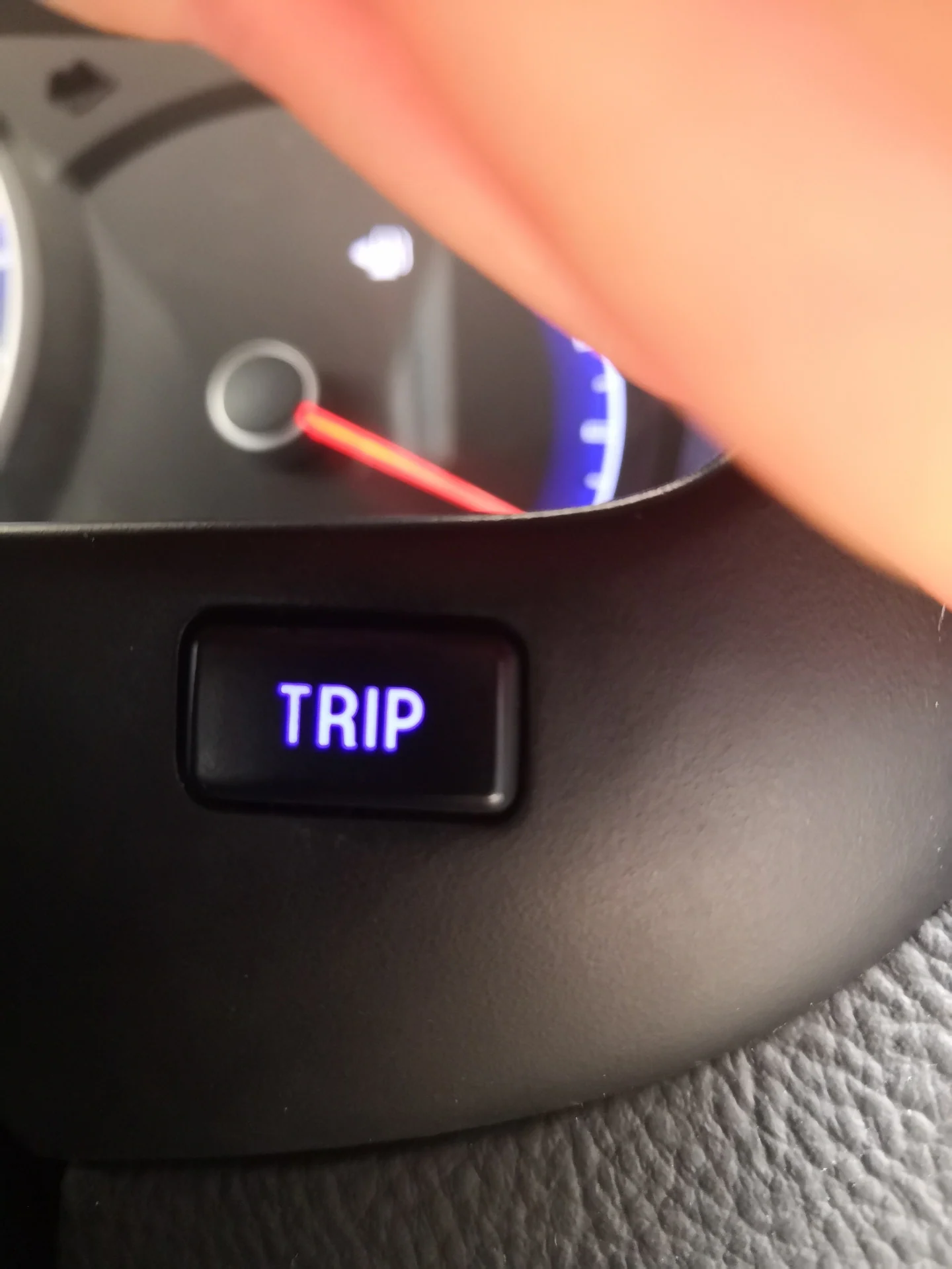
But the button’s capabilities don’t stop there. In some vehicles, you can press and turn it. In this mode, it adjusts the brightness of the dashboard backlighting. This is especially noticeable at night. Bright indicators can distract or strain the eyes during long trips, and adjusting the lighting makes the panel more comfortable to read.
There’s another hidden feature in certain models. Holding the button down for several seconds can activate a dashboard self-test. All warning lights illuminate, and the needles of the speedometer and other gauges sweep the full range.
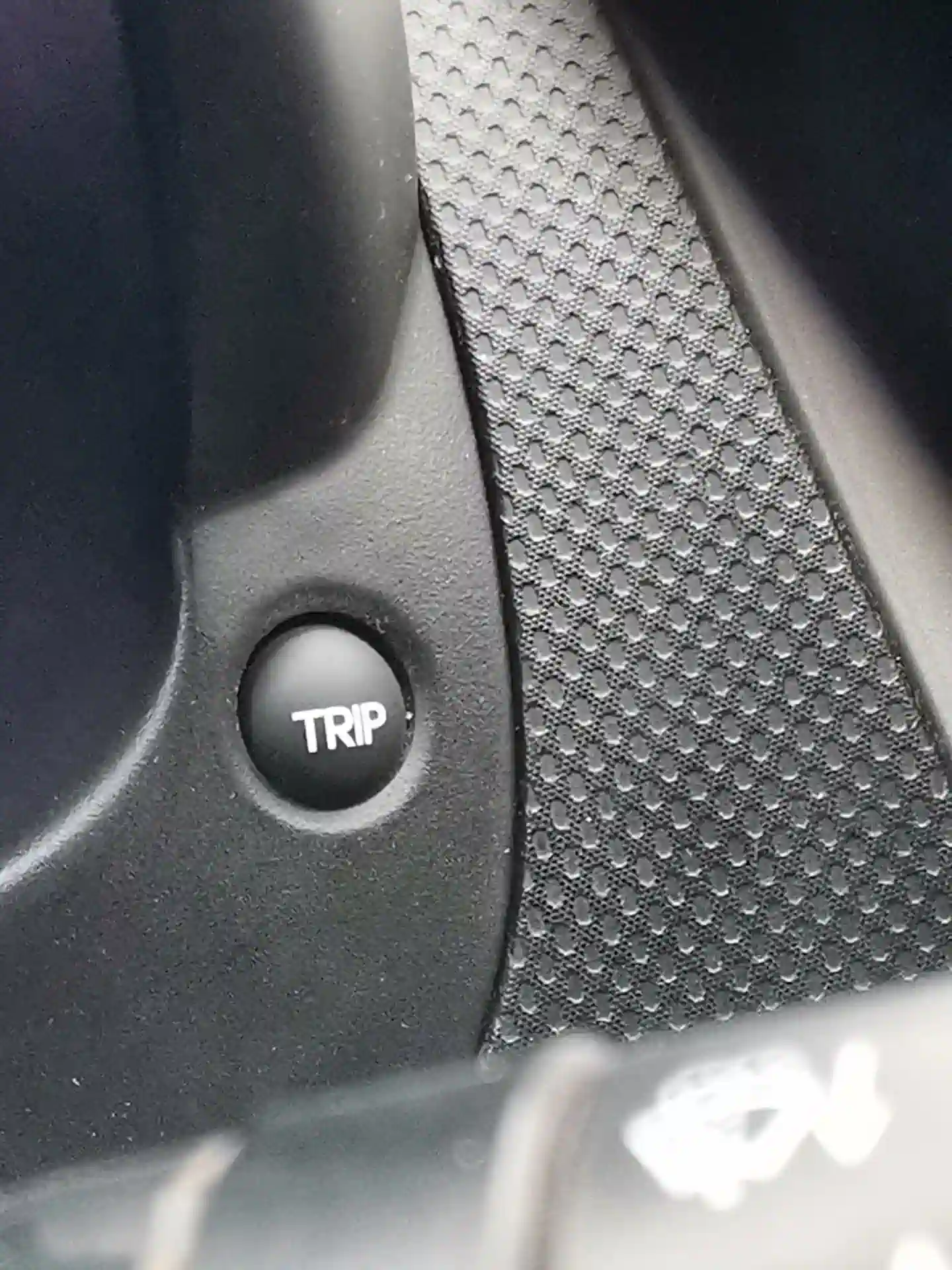
When buying a used car, it’s crucial to ensure all dashboard indicators are working. Some dishonest sellers may try to hide faults, like disconnecting ABS, Check Engine, or airbag warning lights. Everything may appear fine at first glance, but the car could still have issues. The self-test mode reveals these problems. If a light fails to illuminate, it’s a warning — it may have been disabled to hide a fault.
In some cars, the trip reset button can show even more. It can display stored fault codes from the electronic control unit (ECU). To access them, you typically hold the button, turn on the ignition without starting the engine, and press it again. Codes appear on the display and can be interpreted using the owner’s manual or automotive websites.
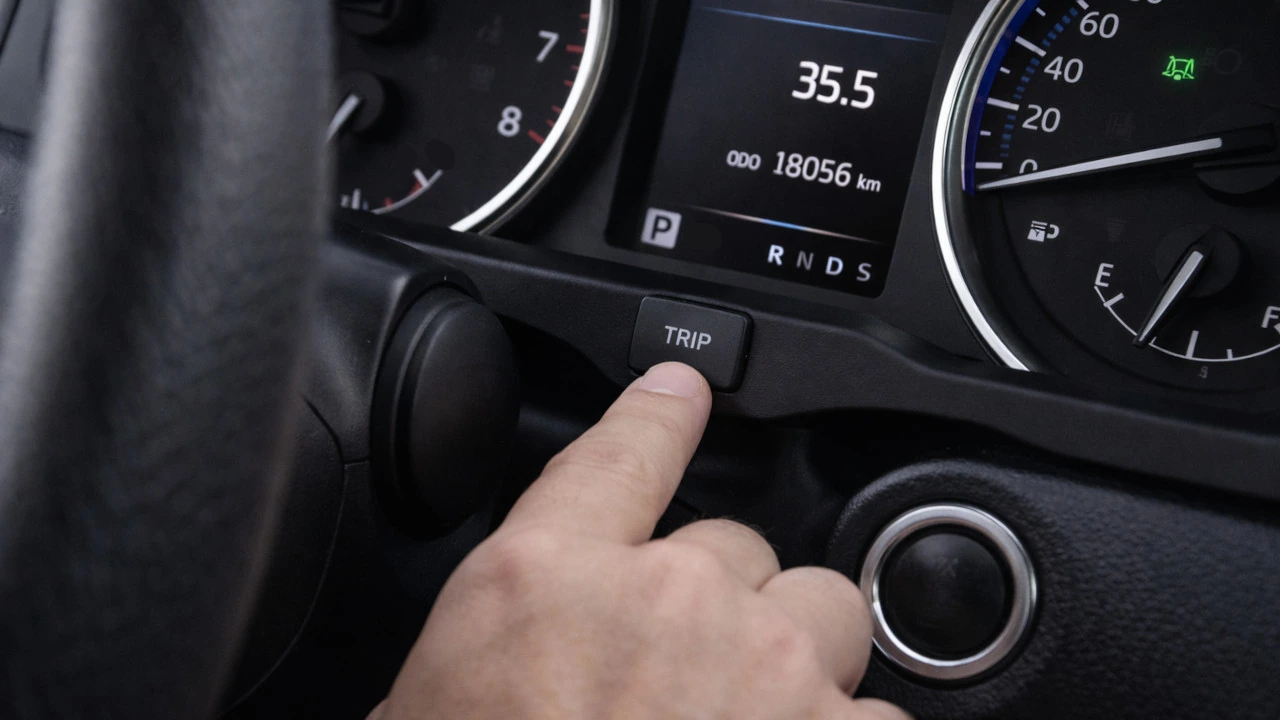
In some cases, the same button can clear stored error codes. After reviewing them, holding the button for a few seconds resets the system memory. Functions vary depending on the vehicle, but most often this button is used for diagnostics: checking the dashboard, reading fault codes, and clearing them. To fully understand its capabilities, consult the car’s owner manual.
You may also be interested in the news:

Why You Should Never Ignore a Plastic Bag on Your Car Mirror
You park your car, head inside, and return a short time later to find an ordinary plastic bag hanging from the side mirror.
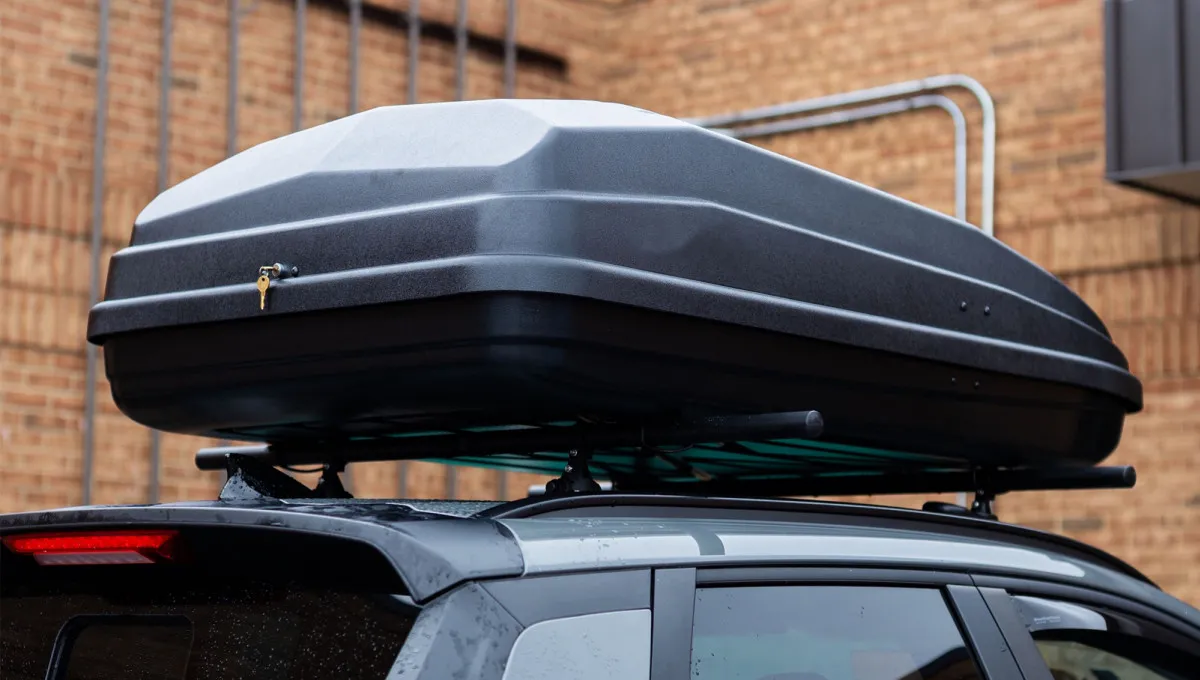
Auto Expert Warns Drivers About Common Mistakes When Installing a Roof Cargo Box
Roof cargo boxes have become increasingly popular with drivers looking for an easy way to carry more gear on road trips.
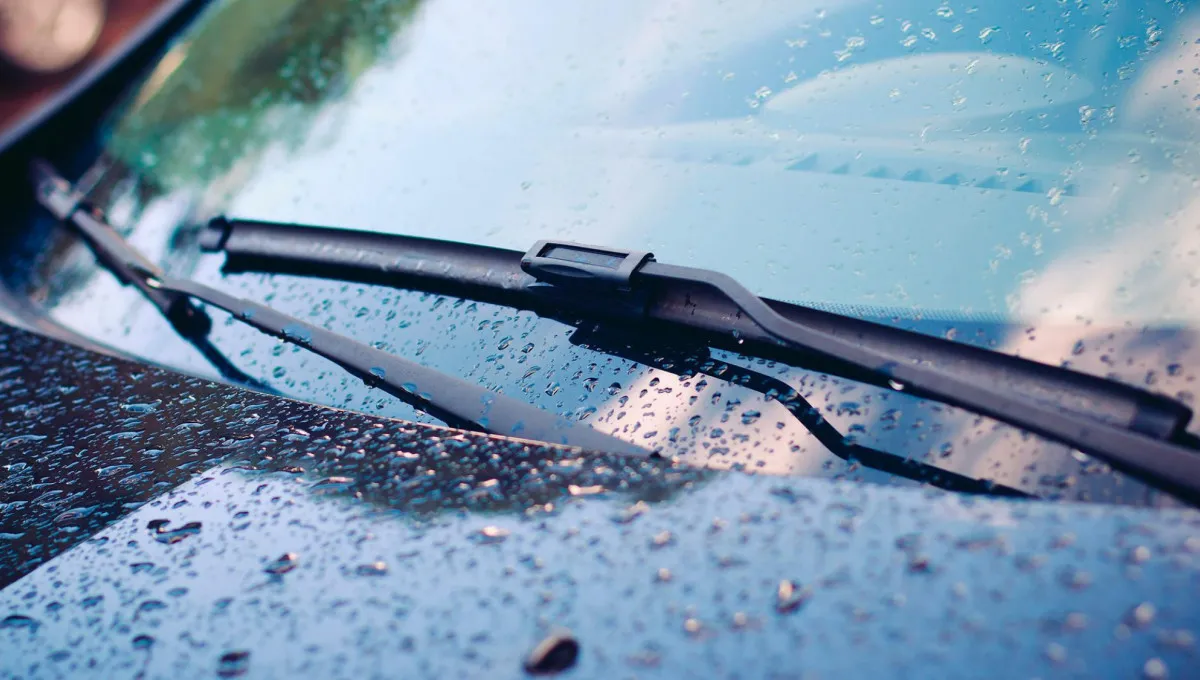
One Capful and Your Wipers Stop Squeaking: Experts Reveal a Simple Trick
We've all been there: windshield wipers start squeaking, smear grime across the glass and leave streaks behind instead of actually helping.
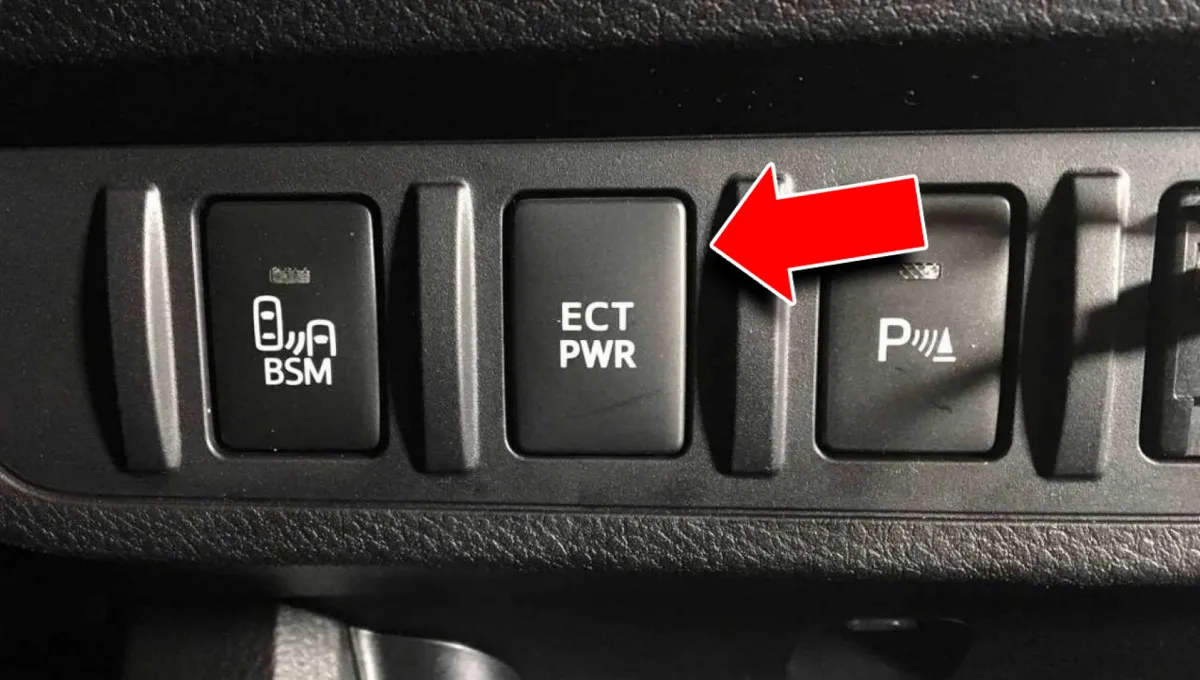
You Hit ECT PWR and Your Toyota Suddenly Wakes Up: What That Mysterious Button Really Does
This little button can change the way a Toyota drives, but plenty of owners have no idea what actually happens when they press it.
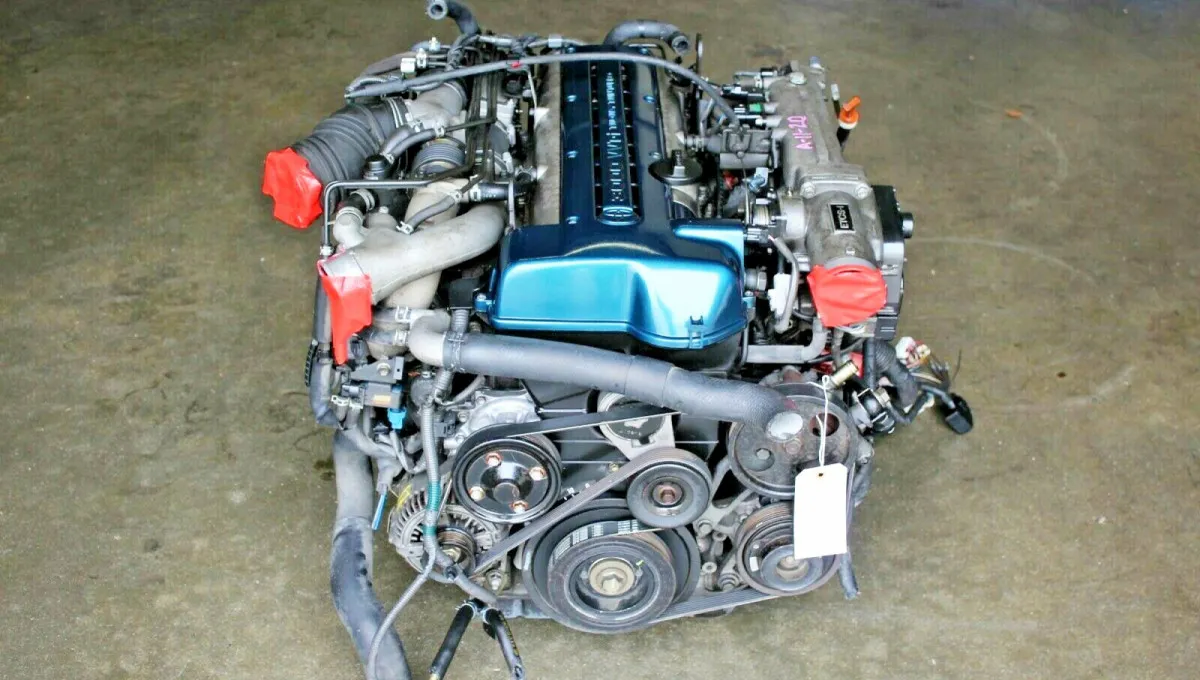
Toyota Built It to Survive 300,000 Miles. Tuners Turned It Into a 2,000-HP Beast
Toyota engineers may have gone too far with durability — and accidentally created the ultimate engine for hot-rodding.