
Android Auto 16.8 Beta Reaches First Users With Major Hidden Changes Coming Soon
Google’s latest Android Auto beta hints at major new features arriving very soon.
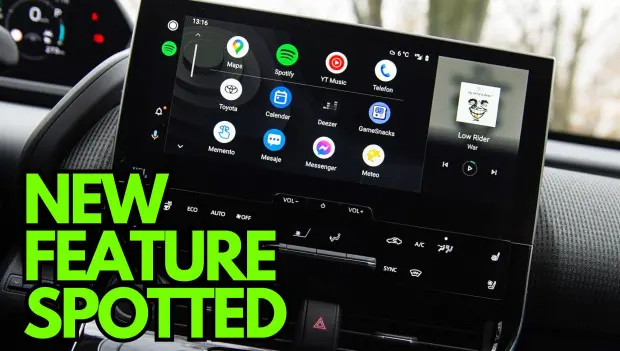
Google has started rolling out a new Android Auto build, and this time there’s actually a solid reason for users to get excited. The latest beta includes clear signs that major new features are on the way, although since this is still part of the beta program, Google hasn’t shared any exact release dates yet.
First, let’s talk about the update itself and how users can install it.
Android Auto 16.8 is now reaching users enrolled in Google’s beta testing program. Since the beta program is already full and no new spots are available, many users will need to install it manually if they want early access.
To do that, you’ll need to download the APK installer file to your smartphone, tap the file once the download is complete, and follow the on-screen instructions to finish the installation.
However, it’s important to remember that Android Auto 16.8 is still a beta version. That means bugs and stability issues are more likely, so it probably shouldn’t be your everyday setup unless you’re comfortable dealing with occasional problems.
As for what’s actually changing, some updates are visible right away, while the bigger upgrades are hidden deeper under the hood.
The biggest clue points to Android Auto widgets finally getting close to launch. Google first started developing widgets for Android Auto several months ago, and early versions were rough enough that the feature was mostly known by its internal codename, “Earth.”
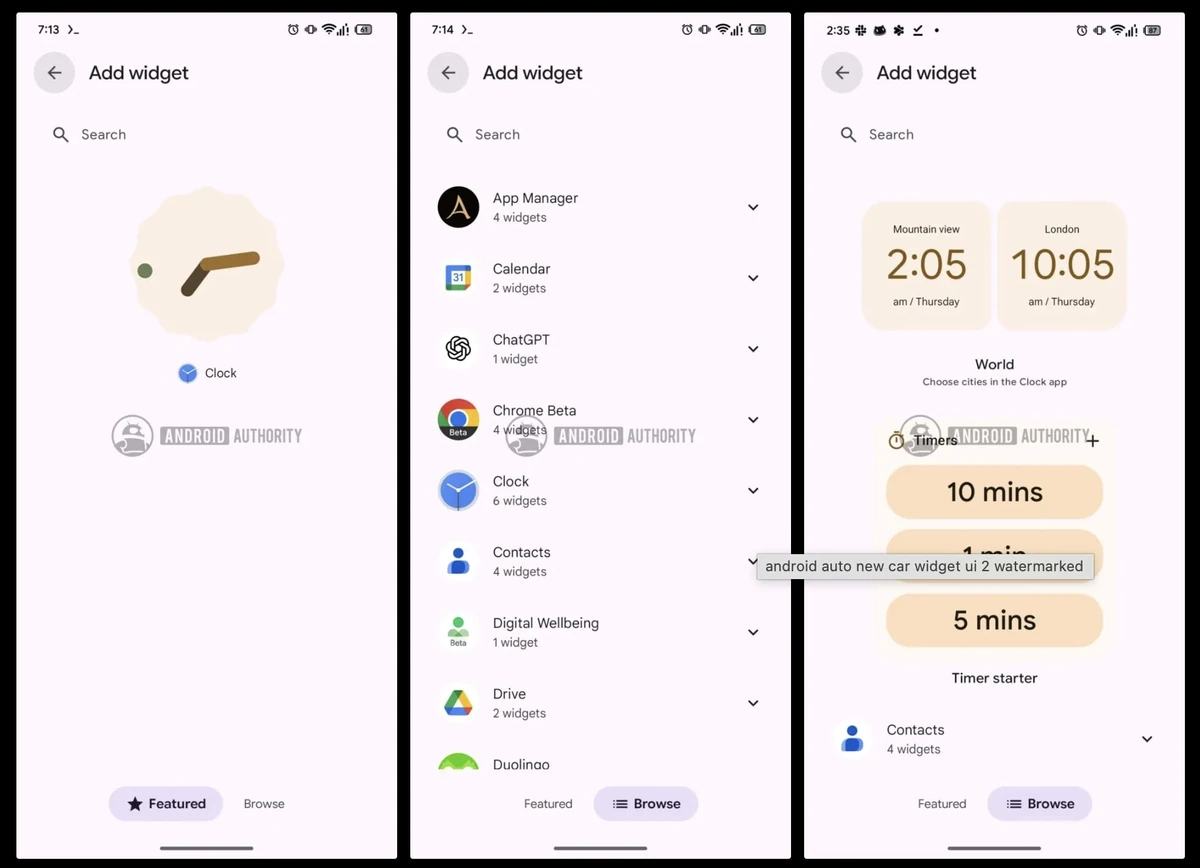
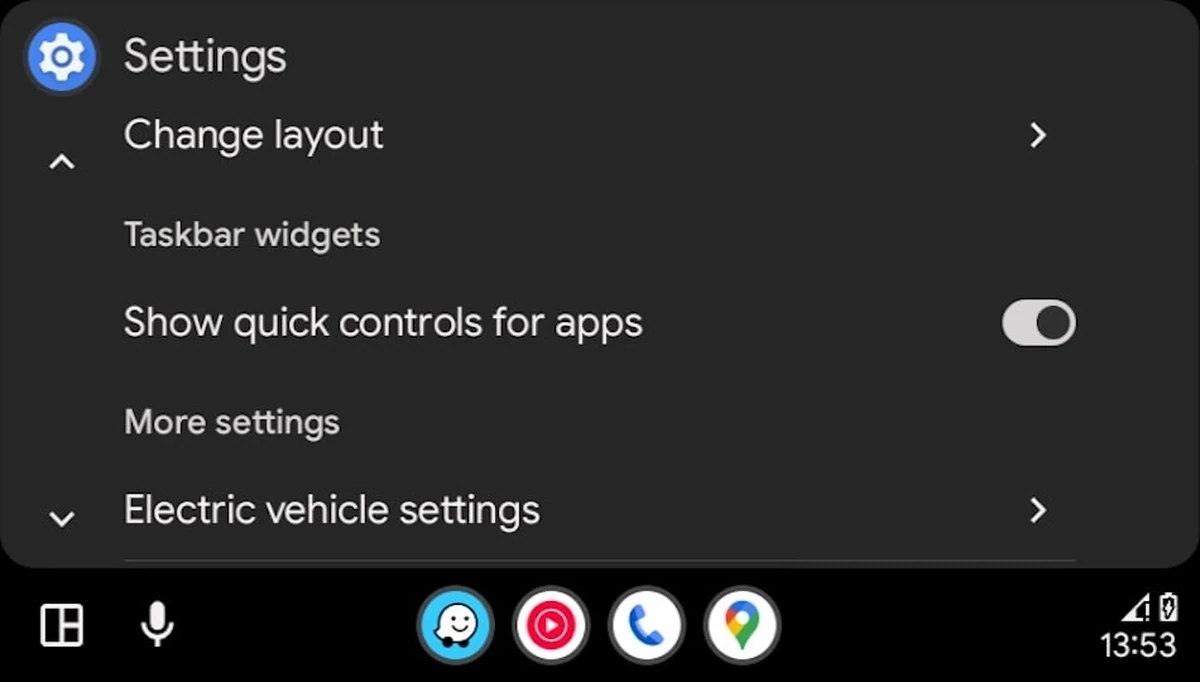
Now things look much more polished. Google has prepared the full settings menu for the feature, and it’s now officially labeled “Android Auto widgets,” which strongly suggests it’s nearing public release.
Even better, the menus are already functional. Users can browse multiple widget options, preview how they’ll look on the screen, and even search for specific widgets inside the same interface.
All of that strongly suggests widget support is nearly finished. If development stays on track, there’s a good chance Google could begin rolling it out sometime after the Google I/O developer conference this spring.
Unlike Apple CarPlay, where widgets appear on a separate dedicated screen, Google seems to want everything displayed on the same screen for easier usability while driving.
Even more interesting, all phone widgets should work inside Android Auto once the feature launches, without developers needing to release separate app updates.
Alongside widget support, Google is also preparing updated weather icons for Android Auto.
Right now, weather information only appears on the Coolwalk interface through a dedicated card on portrait-oriented screens. Google appears to be redesigning those icons to give the interface a fresher look.
According to recent reports, the new icons are not active yet, but they’ve already been spotted inside the beta build, which usually means launch isn’t far away.
Unfortunately, the weather card still doesn’t appear on landscape displays, and that remains one of the most common complaints from users.
The full beta build number is Android Auto 16.8.1618 beta, while the stable public release is expected sometime next week through automatic Google Play Store updates.
For now, early testers are already getting a preview of what’s comming next.
You may also be interested in the news:

Dangerous Rhythms Behind the Wheel: How Music Can Affect Driving
The songs drivers love most can influence speed, attention and risk-taking, potentially turning a routine trip into a dangerous one.
Chrysler Recalls More Than 239,000 Ram 1500 Trucks Over Rearview Camera Problem
Software can prevent the rearview camera image from appearing when Ram 1500 trucks enter Reverse.
Update Your Rivian R1 and Get the New Operating System, Now Available to First-Generation Owners
Rivian’s 2026.31 update brings RivianOS 2 to every R1T and R1S, extending the same software platform powering the newer R2.
Mitsubishi Recalls 67K Outlanders—A Backup Camera Failure Could Put Drivers at Risk
Mitsubishi is recalling more than 67,000 Outlander SUVs because a software glitch can prevent the rearview camera from displaying an image.
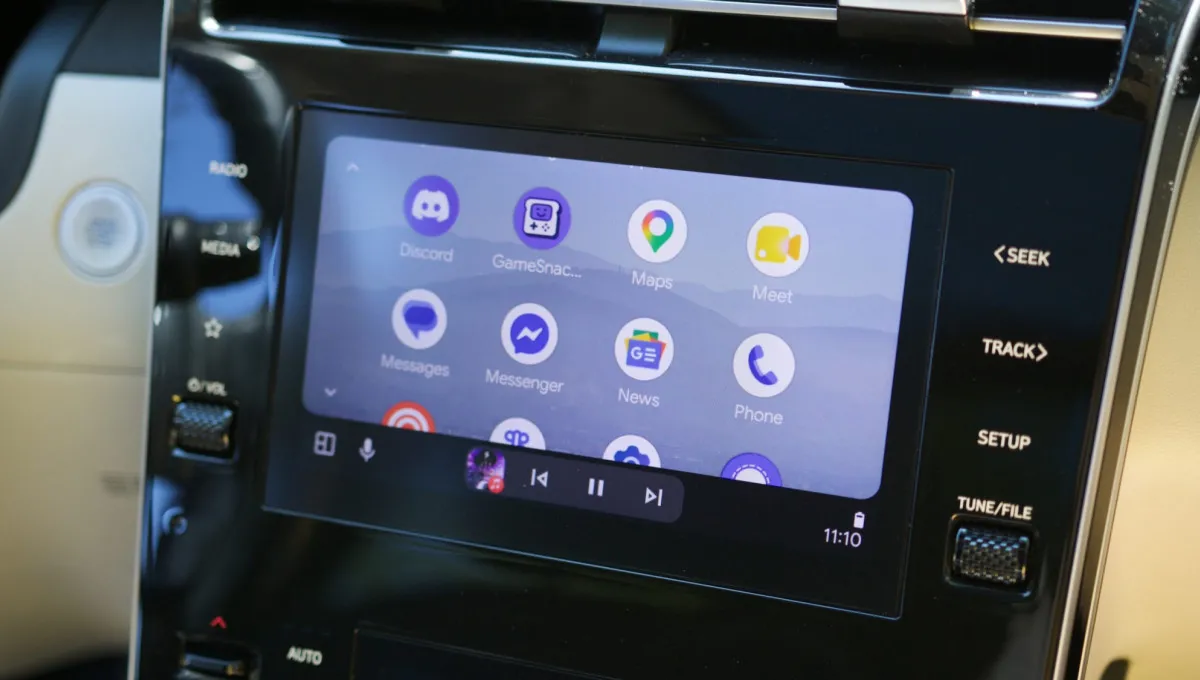
Android Auto finally fixes a connection bug that made it nearly unusable
The latest Android Auto 17.4 update fixes a connection bug that made everyday drives frustrating for affected users.