
Most Drivers Ignore This Button: What the Camera Icon in Your Car Actually Does
Most drivers see the camera button every day—but few realize what happens when it’s pressed.
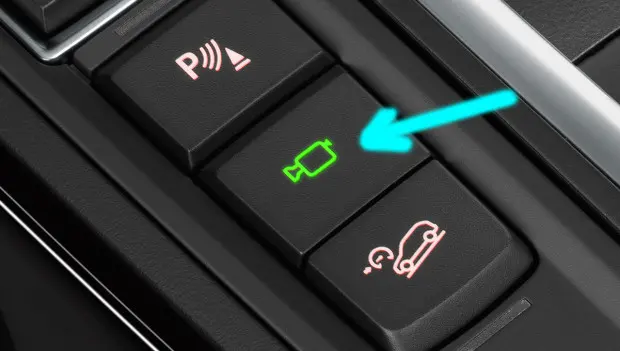
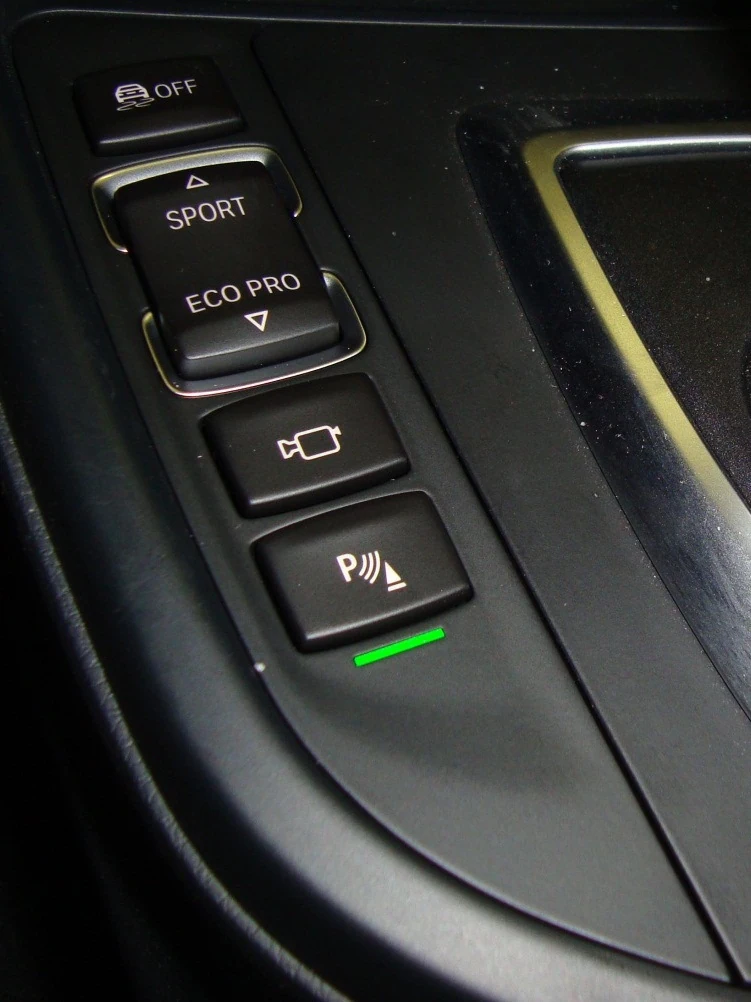
Be honest—how many of you have sat in a car and started pressing every button just to see what happens? I’ve done it too. I recently bought a BMW and noticed a button with a small camera icon. Some people would probably joke in the comments: “Cool, is that for taking selfies behind the wheel?”
So I pressed it. Nothing happened. Or at least, nothing happened the way I expected.
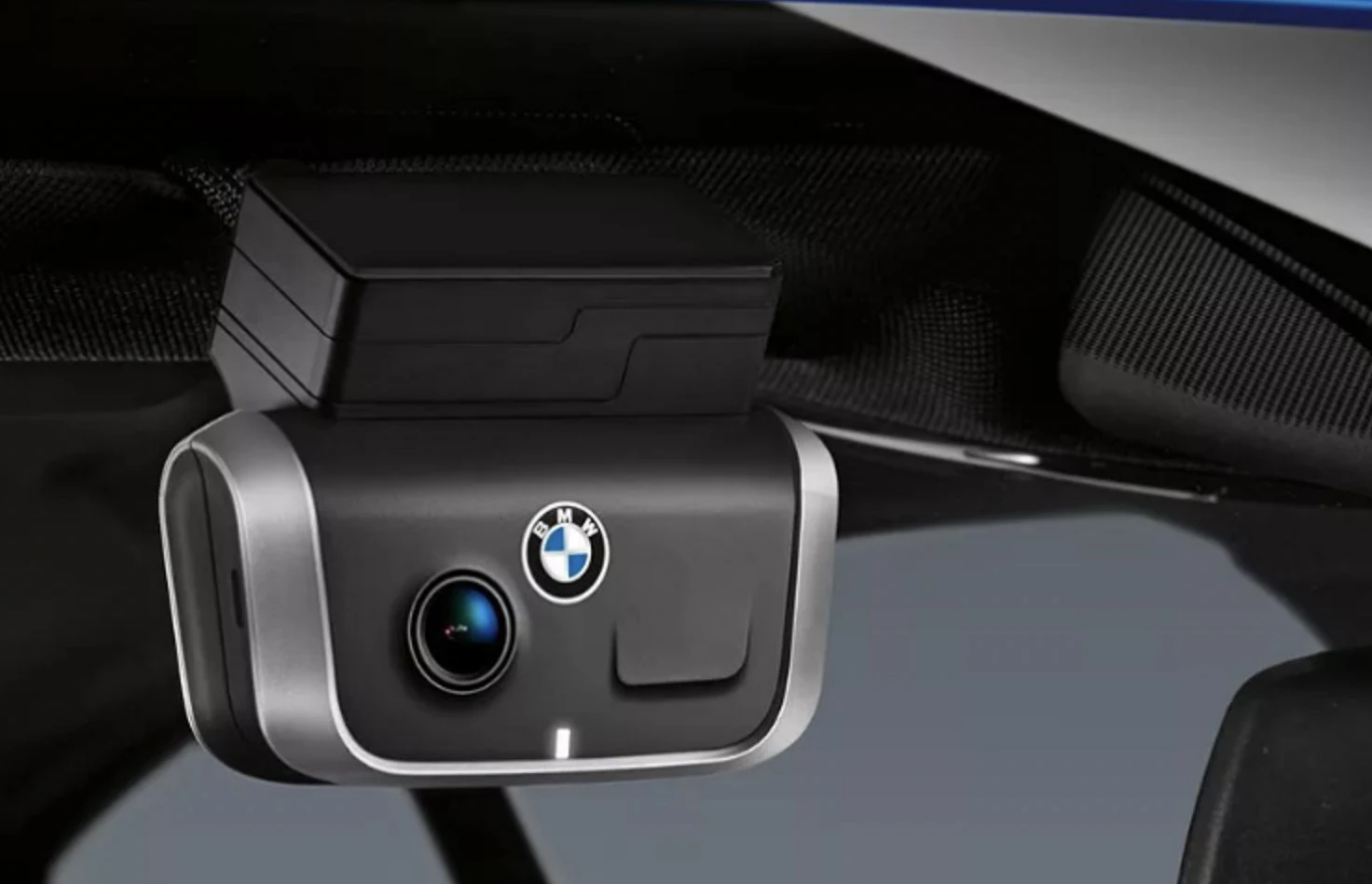
Curiosity won, and I did something most drivers never do—I opened the owner’s manual. That’s when I discovered a feature that can actually save you serious trouble on the road. It’s called BMW Drive Recorder, and if your car is equipped with the Parking Assistant Plus package and its surround-view cameras, you already have a hidden dashcam built into the vehicle.
How it works—and why drivers say “wow”
At first glance, it might sound like a simple video recording feature, similar to a cheap aftermarket dashcam. In reality, it’s much more advanced.
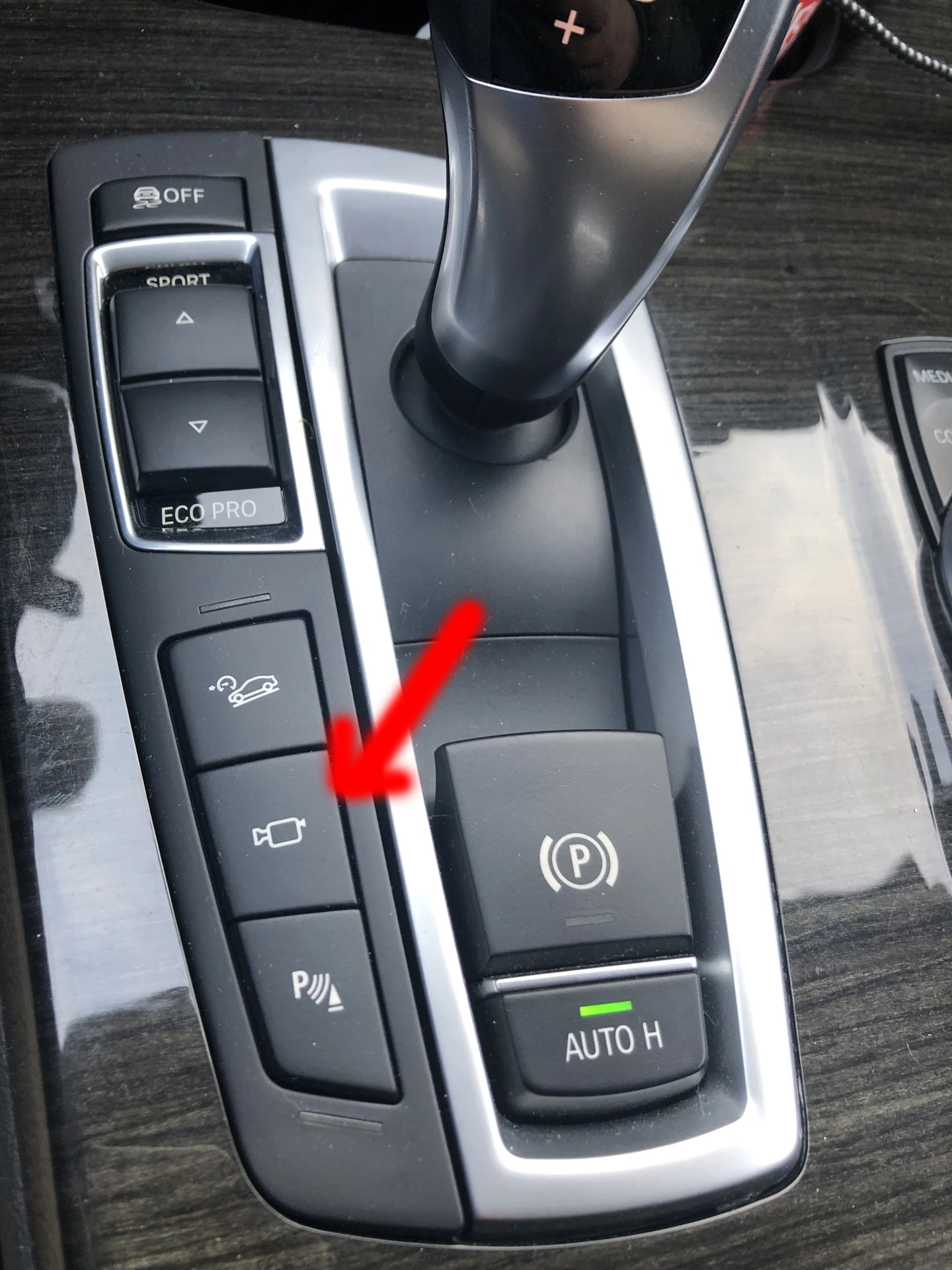
The system uses four cameras installed around the car: one in the front, one in the rear, and one on each side. When recording is active, the car captures a full 360-degree view around the vehicle.
Imagine this: you park at a shopping mall and head inside. When you return, there’s a fresh dent on your door. A typical dashcam only records what’s in front of or behind the car. But this system, when enabled, records from every direction at once.
Automatic recording during an incident
The most impressive feature is the automatic capture mode.
If the car’s sensors detect something unusual—hard braking, a sudden impact, or a possible crash—the system automatically saves a clip. It records about 20 seconds before the incident and 20 seconds after it.
That means the video doesn’t just show the moment of impact—it captures the context leading up to it. When you show footage like that to police or an insurance adjuster, it leaves very little room for questions. The recording even includes vehicle speed and GPS location data.
Want to record something interesting?
There’s also a manual mode.
Let’s say you’re driving down a highway at night and spot someone weaving through traffic like they’re in a racing movie. Press the camera button, and the system saves a clip instantly. A few minutes later, you’ve got footage ready to upload to YouTube.
Drivers can even choose which cameras record—rear view, side views, or the full panoramic perspective.
There is one limitation, though: each clip is limited to about 40 seconds. So it’s not designed for recording long road trips. But it’s perfect for capturing dangerous driving or documenting an accident.
The downsides no one talks about
After digging through owner forums, it became clear why many drivers rarely use this feature.
First, most people simply don’t know it exists. The Drive Recorder has to be activated through the iDrive system settings, and many owners never explore that menu.
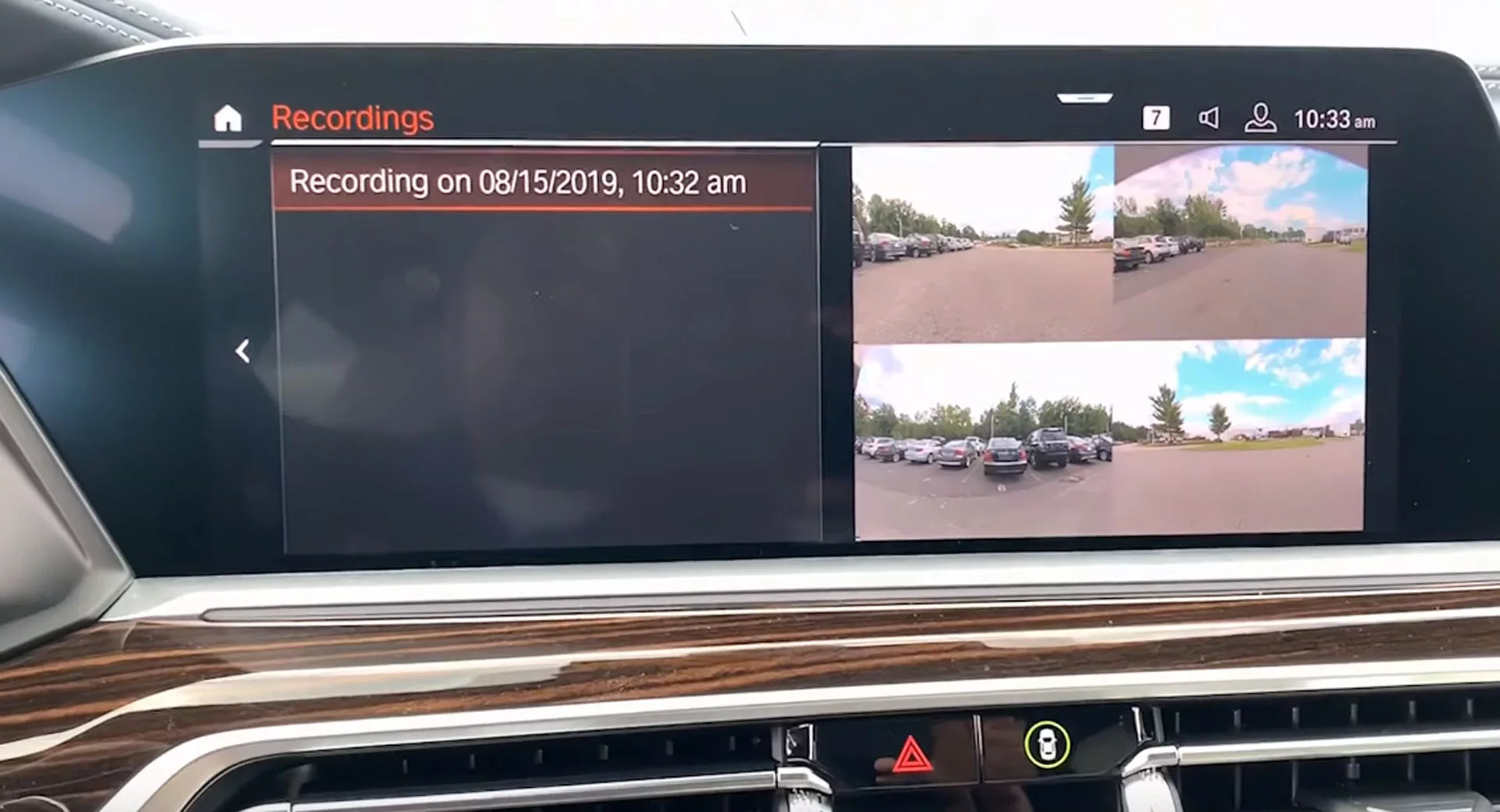
Second, the video quality isn’t amazing. It doesn’t match modern 4K dashcams, and at night, license plates aren’t always clearly visible. Frame rates are also relatively low, which can make footage look a bit choppy.
There’s also the issue of exporting videos. On BMW models built before 2024, you usually can’t just send clips to your phone via Bluetooth. Instead, you’ll need to copy them to a USB drive or connect through the vehicle’s Wi-Fi system—assuming your software version supports it.
However, newer vehicles with iDrive 8.5 or later make things easier. With those systems, recordings can be transferred through the mobile app, and some models even support anti-theft recording, automatically capturing video if someone breaks into the car.
Is it worth using?
If your BMW already has the necessary camera package, absolutely. There’s little reason to buy a separate dashcam when your car already has four cameras capable of recording incidents automatically.
Yes, the video quality isn’t on par with the best standalone gadgets. But when it comes to convenience and built-in integration, it’s hard to beat.
So this weekend, take a few minutes to open the manual, dive into your iDrive settings, and activate the Drive Recorder. Because you never know what might happen on the road—and having video evidence can make all the difference.
You may also be interested in the news:
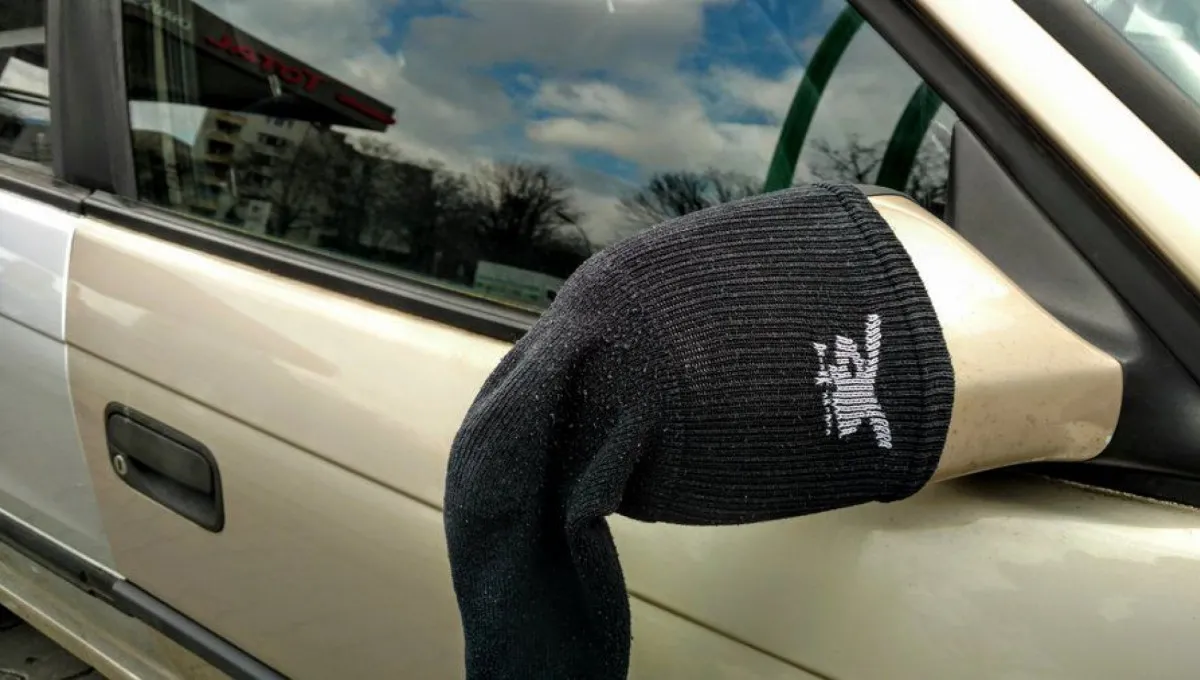
Why Experienced Drivers Put Socks on Their Car Mirrors in Fall: The Clever Trick Explained
An old pair of socks can help reduce frost buildup on your side mirrors overnight, saving time on cold mornings when every minute counts.
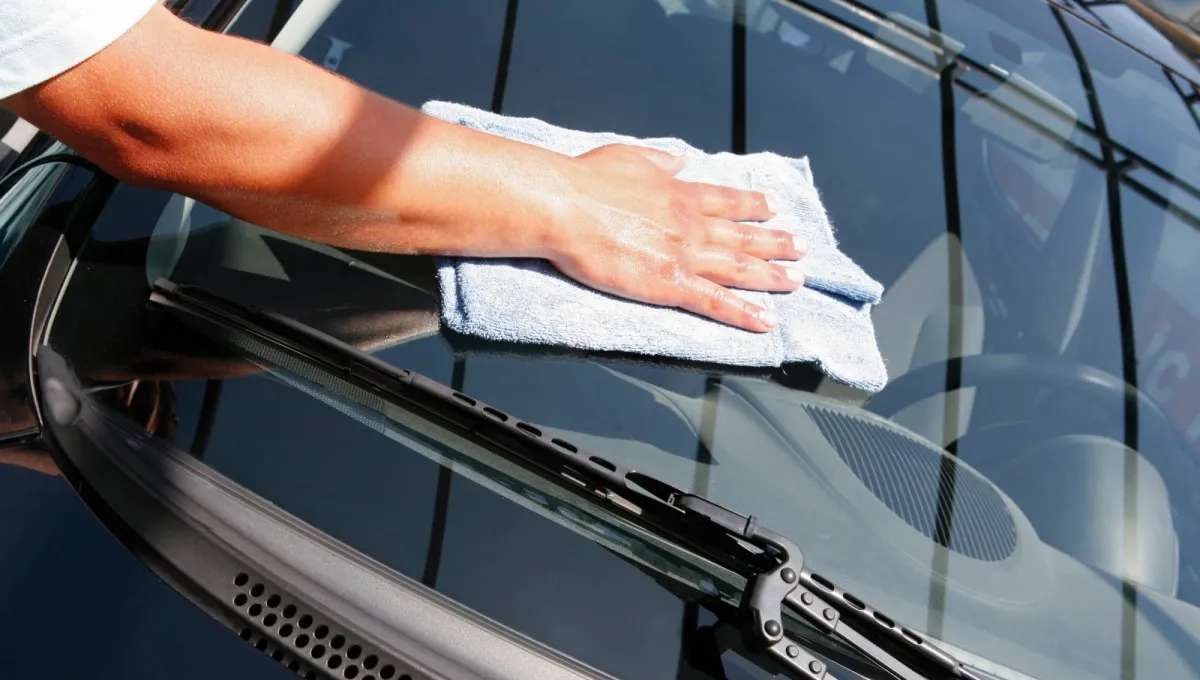
How to Clean Your Windshield Without Streaks: Experts Recommend This Simple DIY Mix
The secret to a streak-free windshield comes down to the right cleaning solution, two microfiber cloths, and the proper drying technique.

Why Some Drivers Keep Bay Leaves in Their Cars — It’s Not Just About Superstition
Can a common kitchen spice help repel bugs, freshen your car’s interior, or even help you relax behind the wheel?
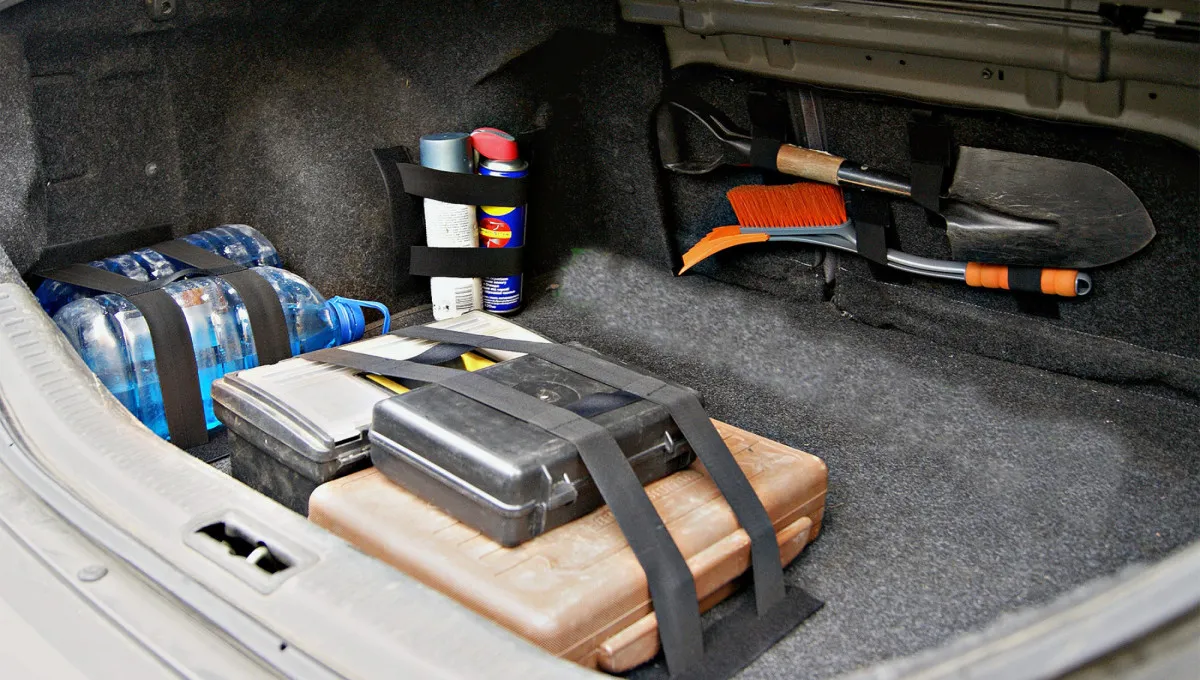
Cold Weather Can Leave You Stranded — 5 Things Every Driver Should Have in Their Car
The first hard freeze can catch drivers off guard. Here's what to keep in your vehicle and how to prepare your battery, tires, and fluids for colder weather.
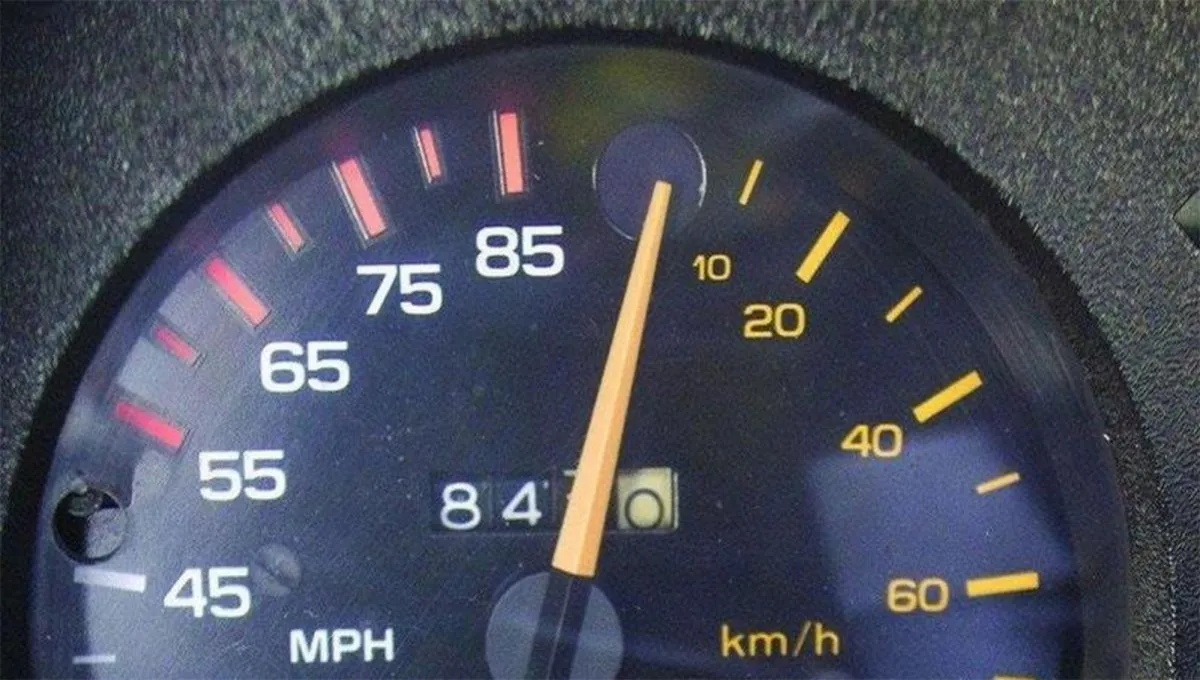
Your Speedometer Says 65 MPH, but Your GPS Says 62 — Here’s Why Your Car Does That
Your speedometer reads 65 mph, but your GPS says 62 mph. Here’s why the numbers rarely match.